MVLAND Launches Creative Canvas for AI Video Creation
Recently, the popular Chinese drama Two People Smoking Behind the Supermarket sparked widespread interest — especially its evocative original soundtrack. Inspired by the music, a creator set out to produce a live-action musical short film — and discovered Meitu’s MVLAND had just launched its groundbreaking Creative Canvas mode, integrating top-tier AI video generation models including Seedance 2.0, Keling (Ke Ling), and HappyHorse.
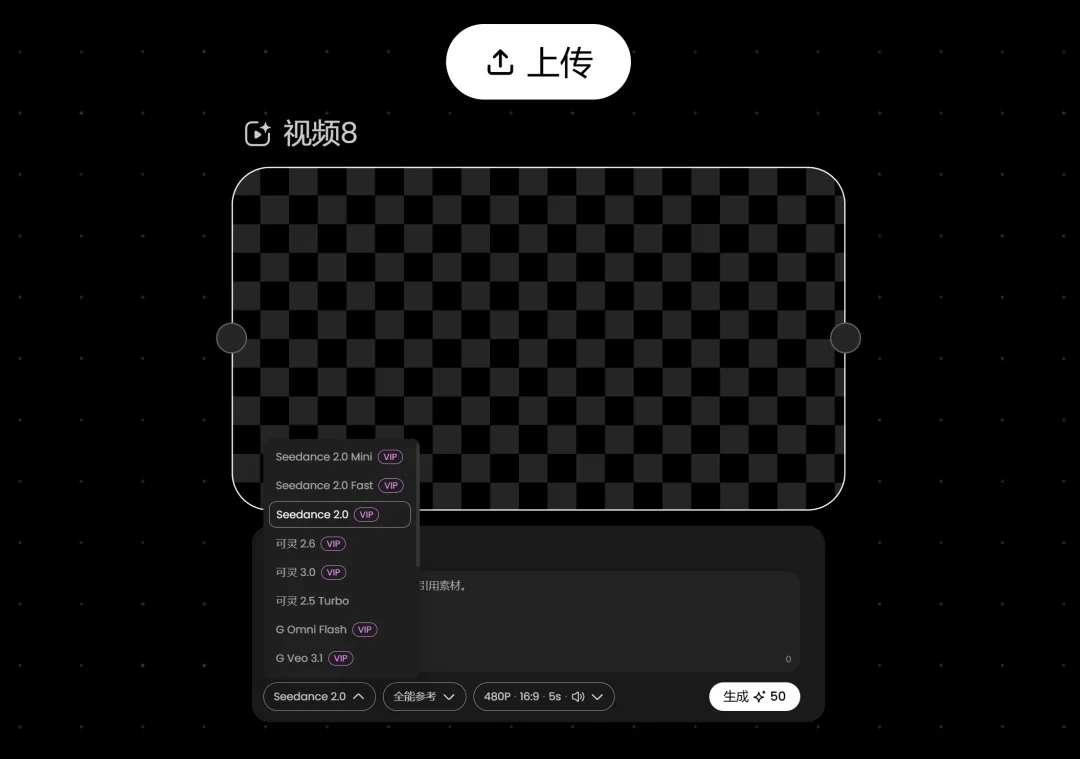
Unified Creative Workspace
The Creative Canvas enables seamless organization and iterative creation of images, video clips, and audio assets on a single, intuitive visual surface — eliminating tedious context-switching between tools or platforms.
Notably, MVLAND was originally designed as an AI-powered music video (MV) studio, with deep specialization in audio-aware visual generation: upload a song, and the system analyzes rhythm, tempo, and emotional tone to generate synchronized, stylistically coherent short films — guided by your character references and aesthetic preferences.
Four Key Advantages of the Creative Canvas
✅ 1. Integrated, Non-Disruptive Editing
Unlike most AI video tools that force users into separate editing suites, MVLAND embeds its professional-grade剪辑台 (Editing Panel) directly within the canvas — no exporting, importing, or platform hopping required.
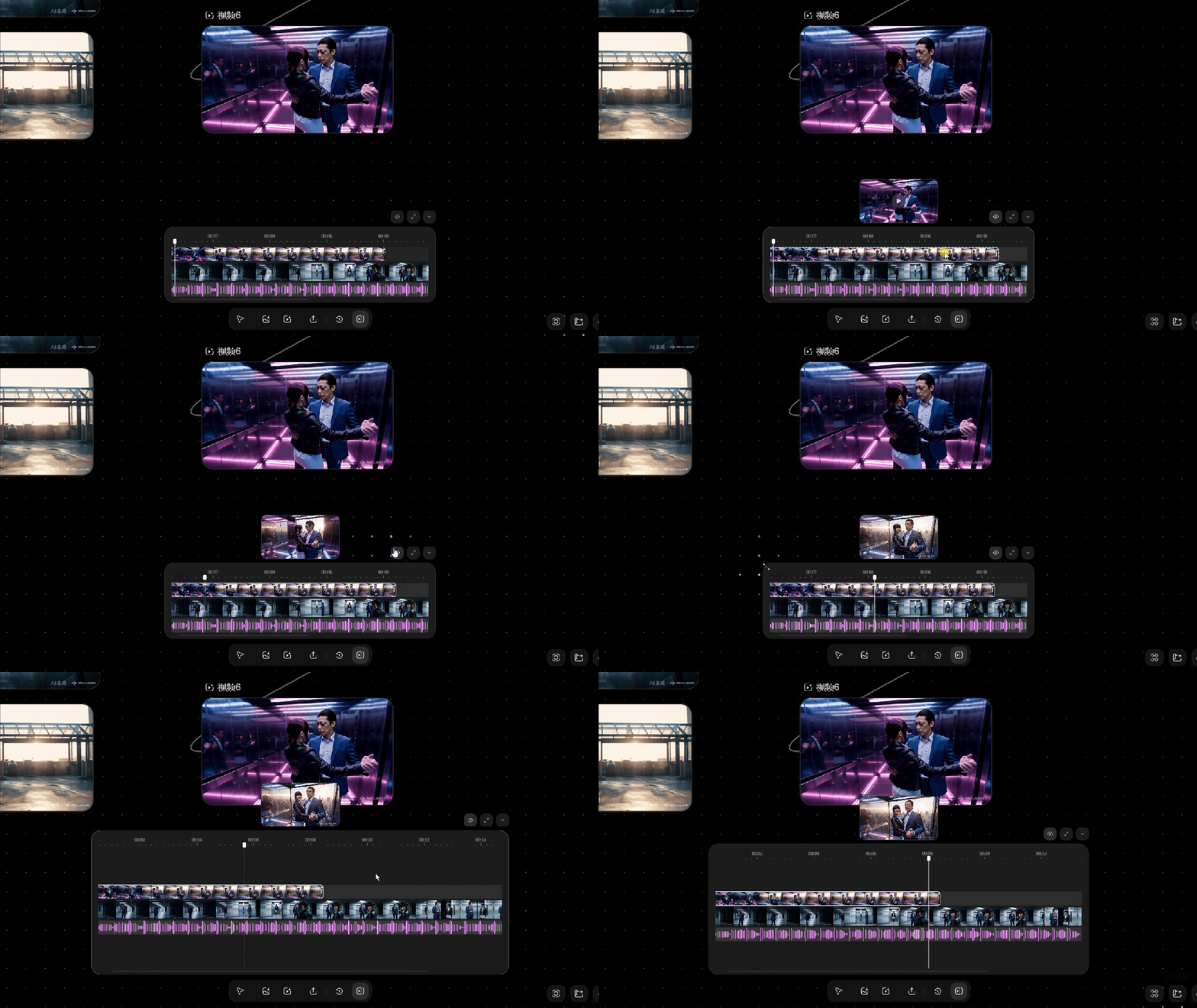
✅ 2. True Multi-Track Timeline
While many competitors offer only linear clip sequencing, MVLAND supports full multi-track editing: concurrent video layers, audio tracks, and subtitle lanes — enabling precise layering, masking, and synchronization.
✅ 3. Real-Time Preview & Iteration
Click the preview button to open a floating playback window — allowing side-by-side comparison between timeline edits and source canvas assets. Adjust prompts, swap nodes, or refine timing — all without breaking flow.
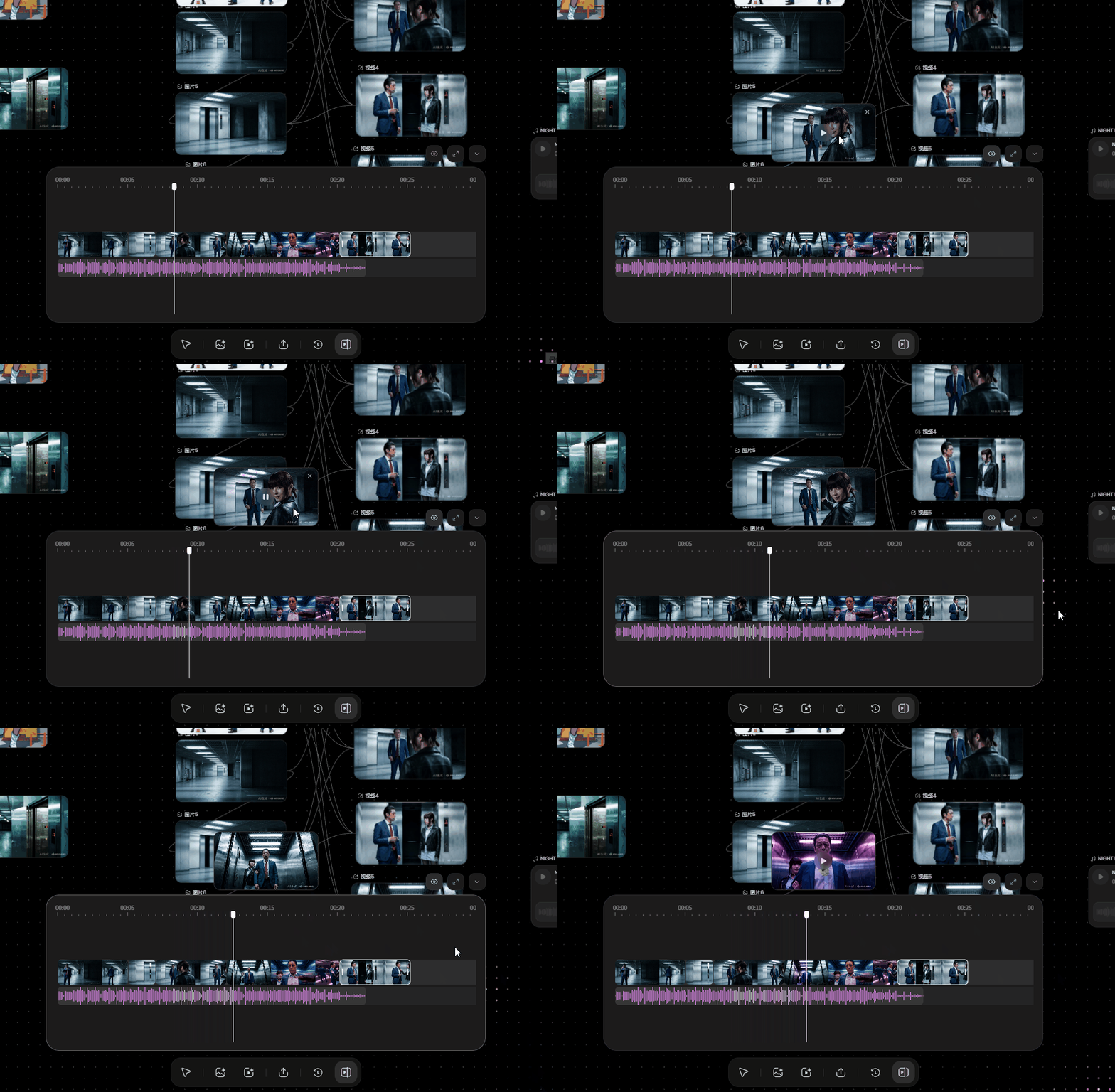
✅ 4. Full-Screen Advanced Editor
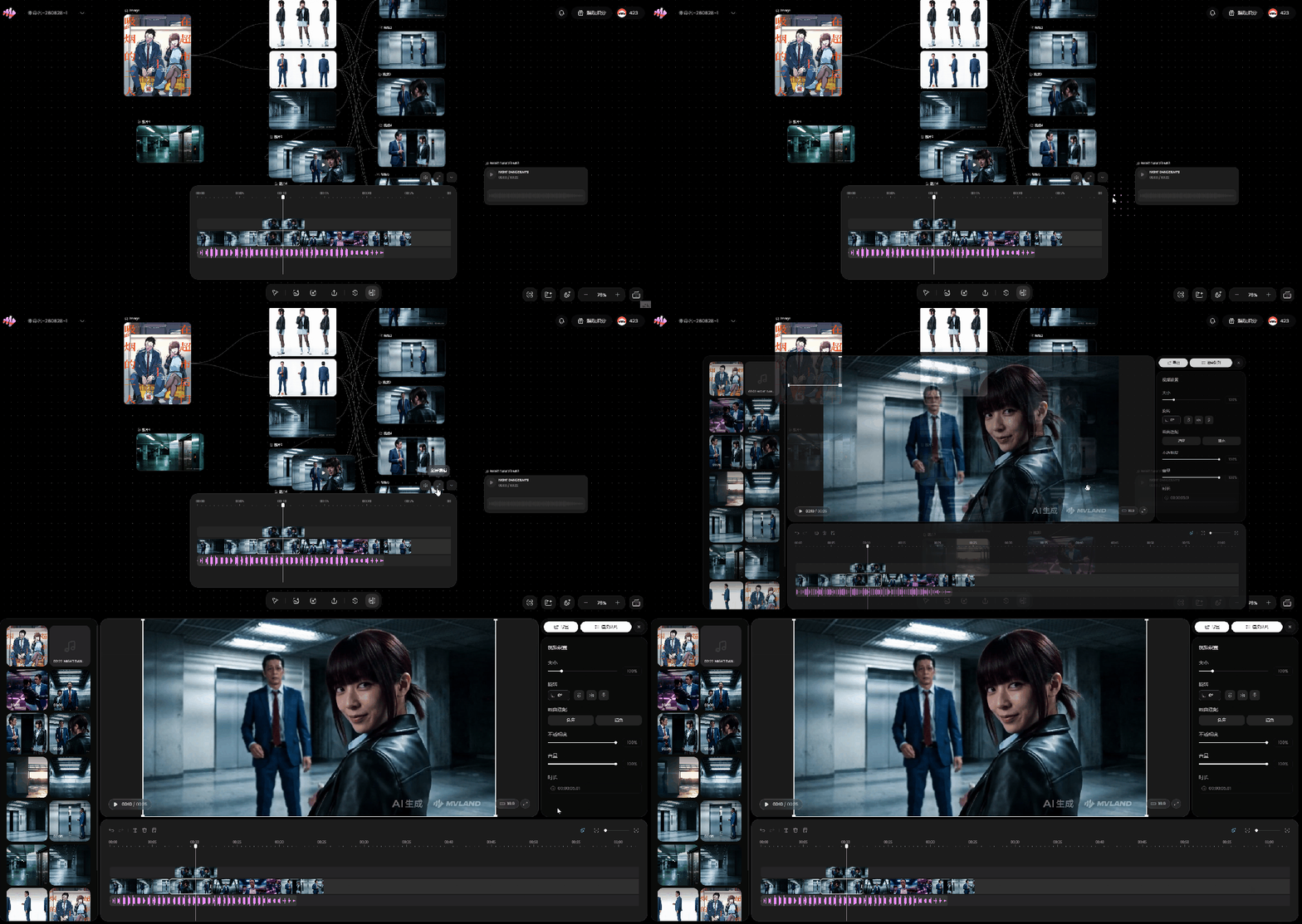
For complex projects, expand the panel into a full-screen editor featuring:
– Media library (drag-and-drop asset management),
– Timeline with zoomable tracks, and
– Right-side inspector for granular control over opacity, volume, motion keyframes, text overlays, and style parameters.
Workflow Deep Dive
🎨 I. Asset Creation
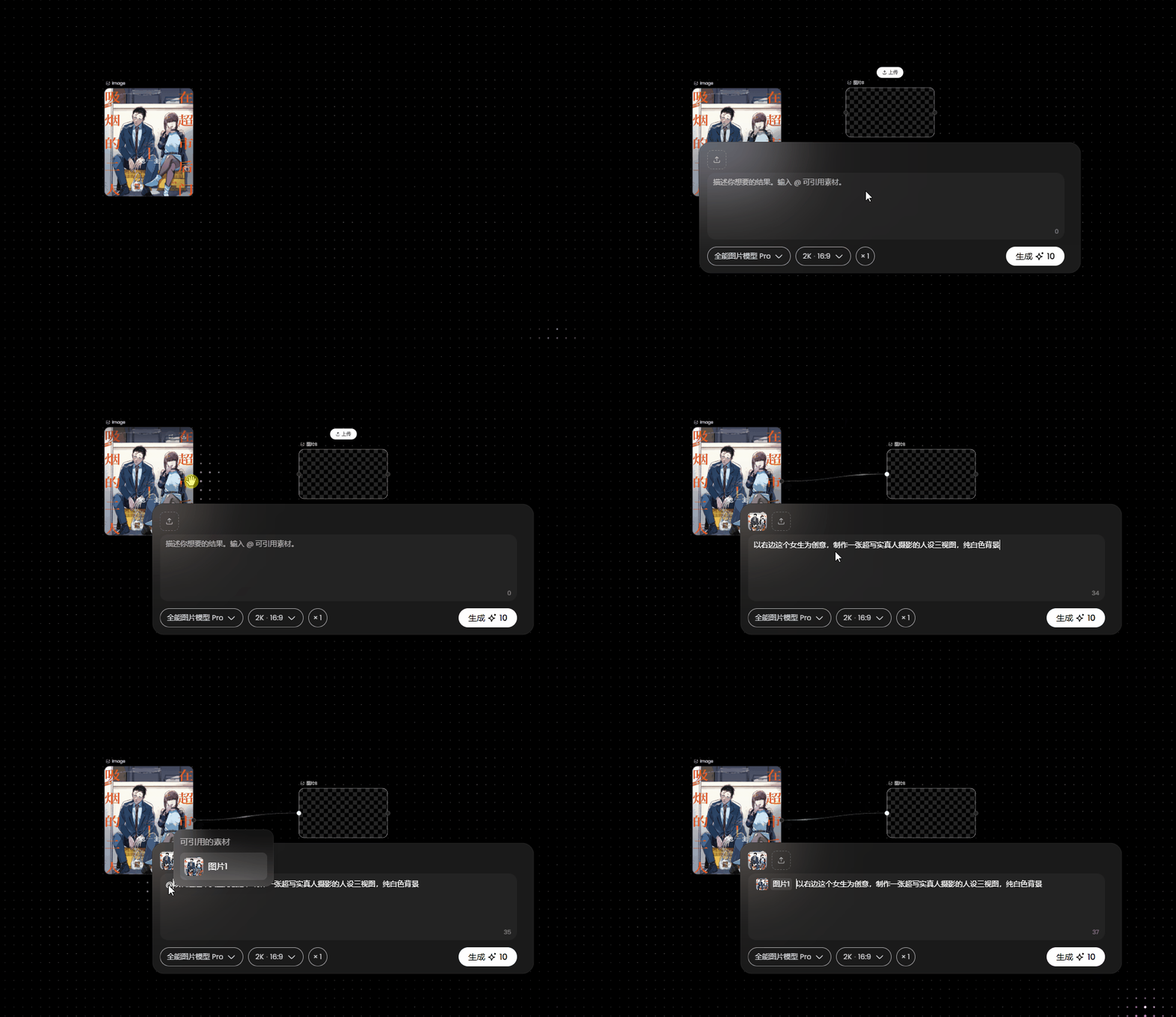
- Enter Creative Canvas → right-click or double-click anywhere to add Image, Video, or Audio nodes.
- For character-driven scenes (e.g., anime-to-live-action adaptation), connect reference images to image nodes and input descriptive prompts.
- Generate consistent character variants (e.g., Yamada, Sasaki) and scene backgrounds — all stored as reusable, versioned assets.
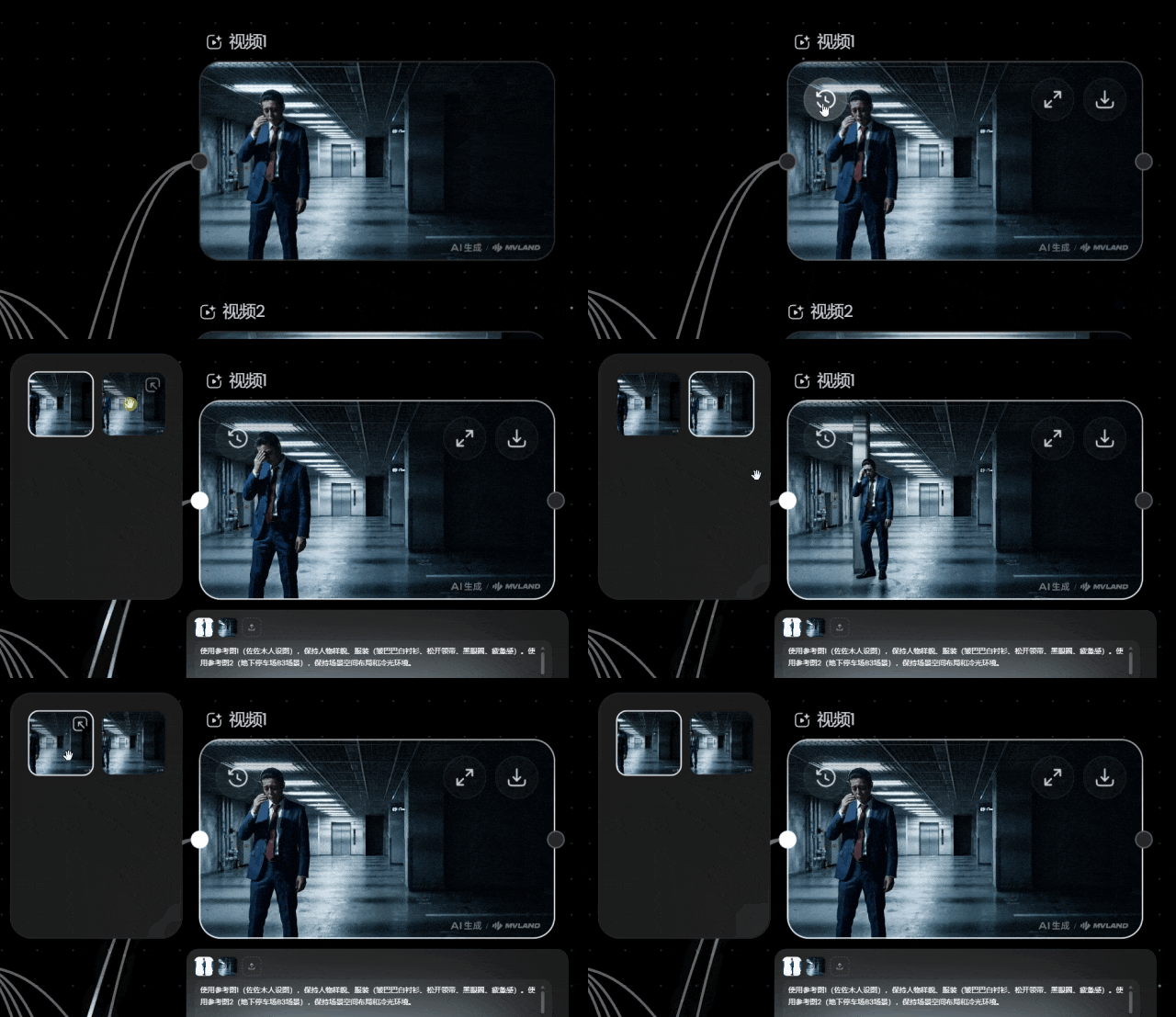
📜 II. History-Aware Iteration
Every node preserves its full generation history — no overwrites. Click the top-left history icon to browse, compare, and restore prior outputs — eliminating manual duplication and clipboard fatigue.
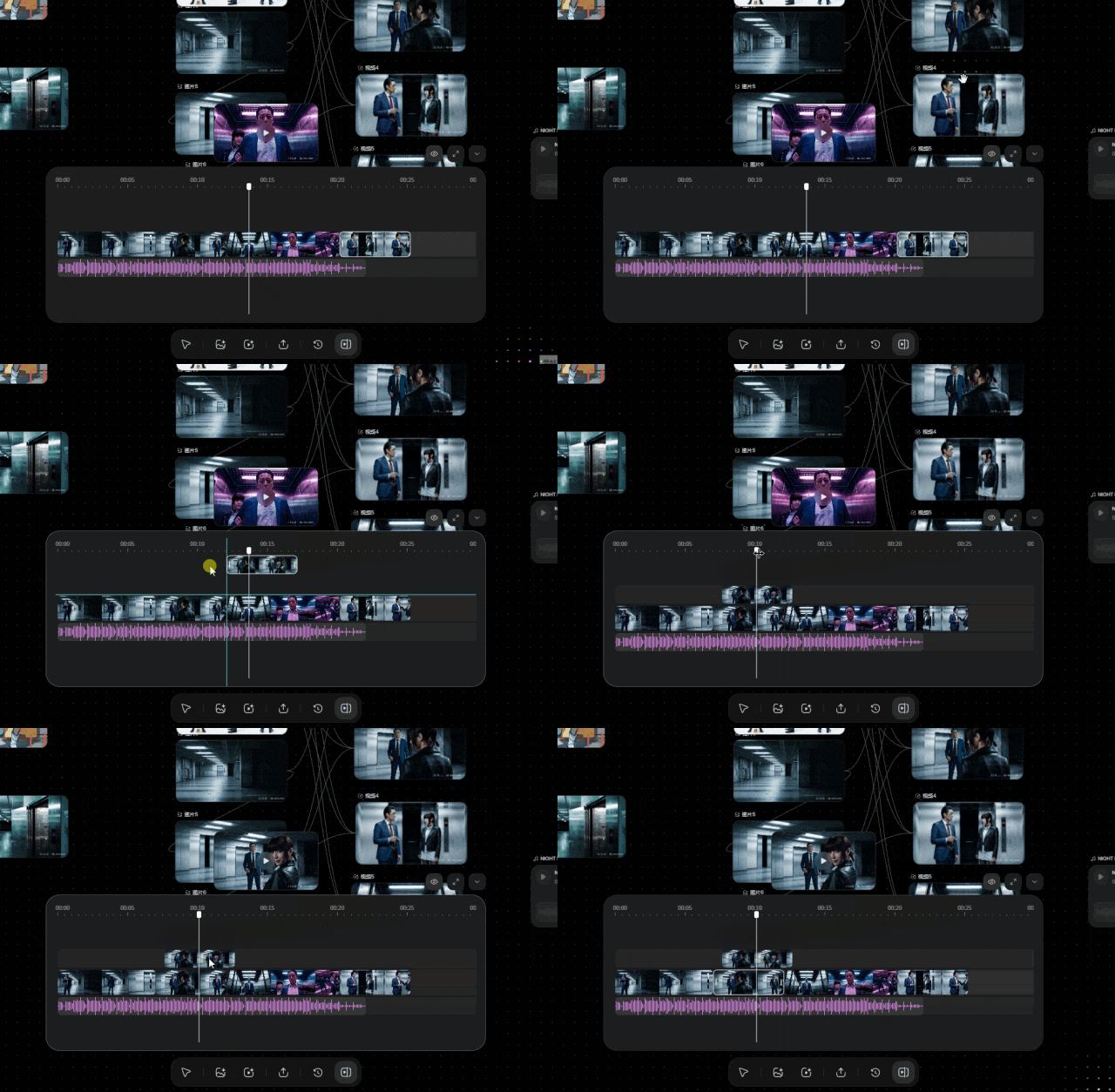
✂️ III. Seamless Editing Integration
Drag generated clips directly from canvas into the timeline — instantly creating new tracks. Add voiceovers, sound effects, or subtitles in parallel. The system auto-creates new video/audio lanes when needed.
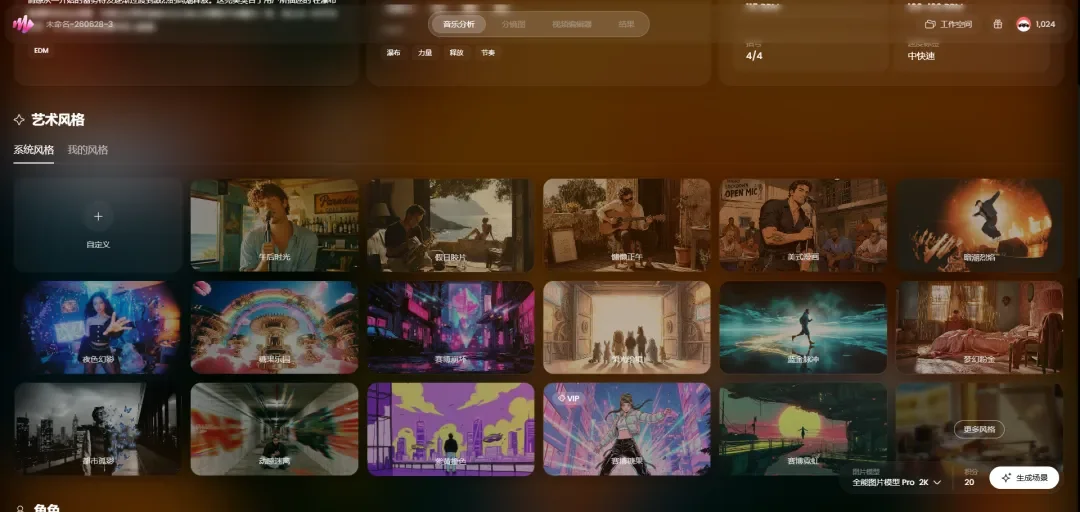
🎵 IV. End-to-End Music Video Production
Leverage MVLAND’s core MV engine:
– Upload audio → automatic beat & mood analysis,
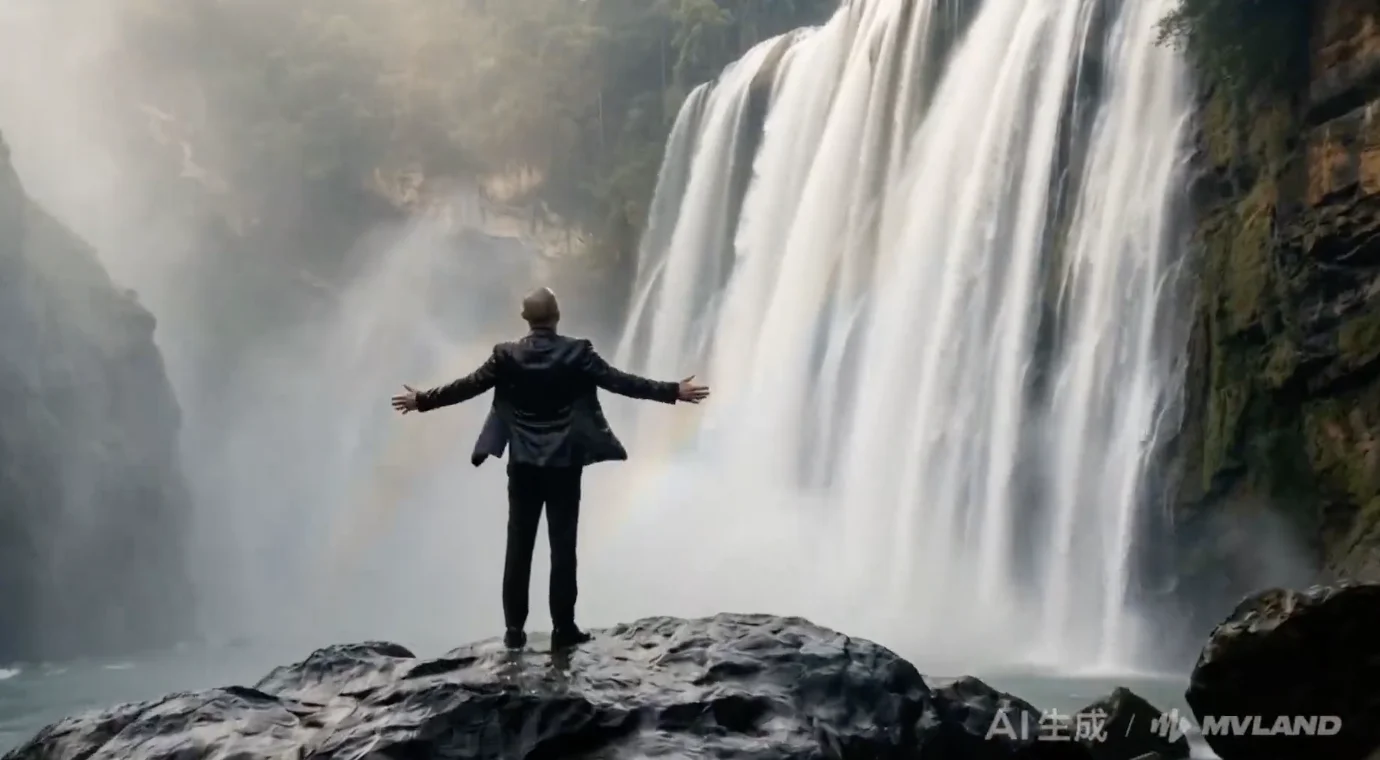
– Select or describe visual styles (e.g., “Chinese landscape, majestic, ink-wash”),
– Define custom characters via reference images,
– Generate storyboards, scene transitions, and final render — all in under 10 minutes.
🚀 V. Viral Template Remixing
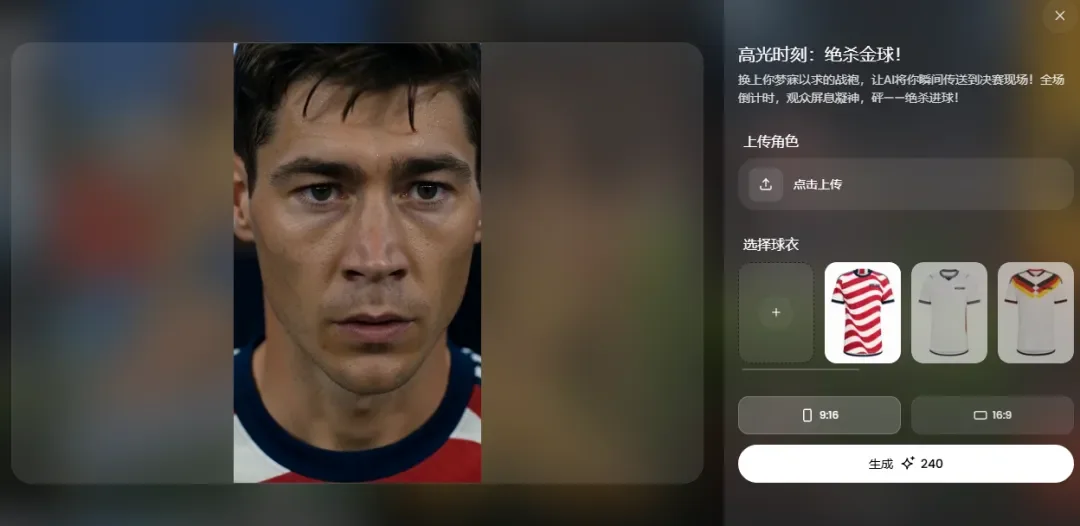
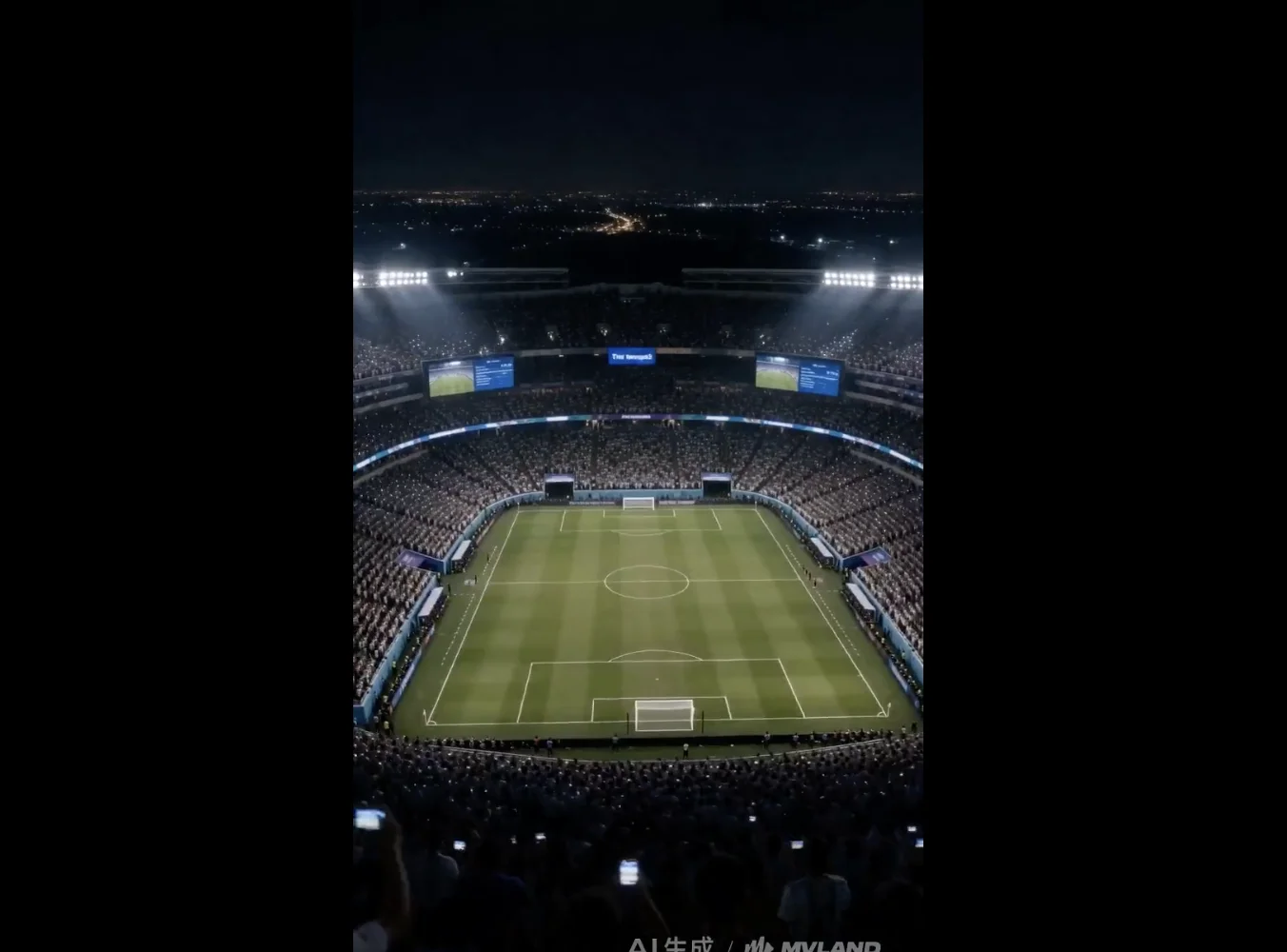
Tap into trending templates — e.g., World Cup highlights — and replace default avatars with your own characters in seconds. Supports custom apparel uploads (e.g., Argentina #10 jersey), physics-accurate motion simulation, and cinematic lighting.
Why It Matters
MVLAND’s Creative Canvas transcends being just another AI video tool. It represents a paradigm shift:
– From fragmented pipelines → unified creative continuity,
– From prompt-only generation → structured, node-based storytelling,
– From static outputs → versioned, composable, editable assets.
Whether you’re an indie filmmaker, social media creator, or brand marketer — this is the first mainstream platform to merge generative AI, non-linear editing, and collaborative canvas logic into one frictionless experience.
💡 Try it now: mvland.cn
Article adapted from WeChat account “Moli”.