Transform Your Logitech Mouse into an AI Power Tool
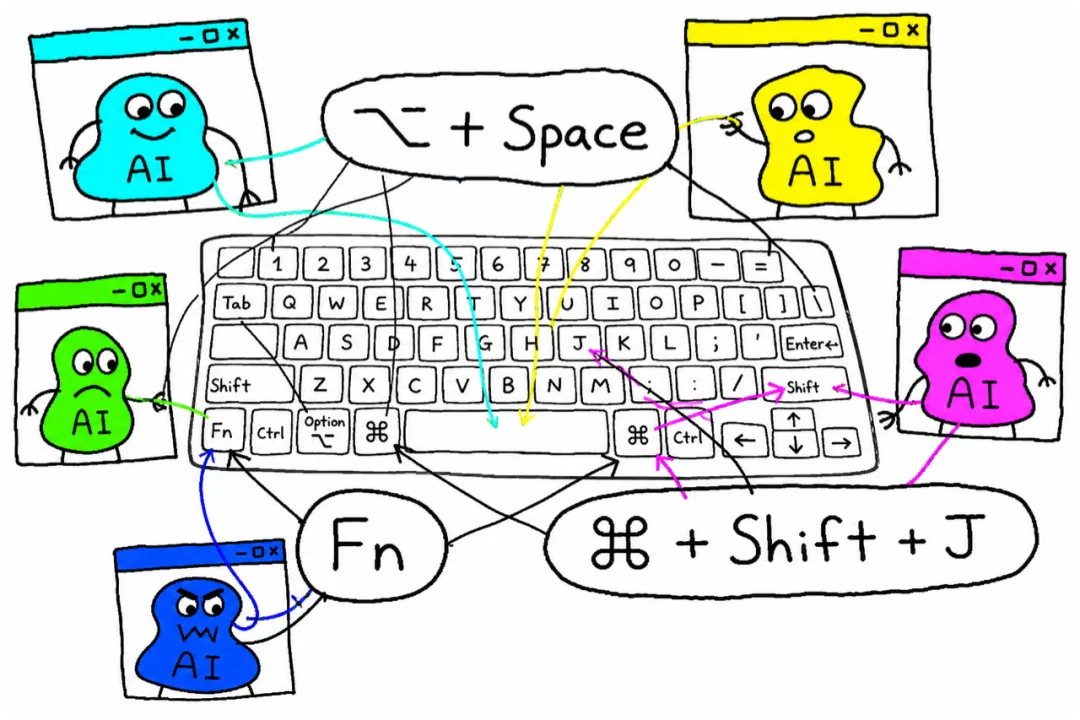
Modern knowledge workers juggle dozens of AI tools daily—ChatGPT Work, WorkBuddy, Typeless, Doubao—and each demands its own global keyboard shortcut: ⌥+Space, ⌘+Shift+J, Fn, and more. With limited ergonomic key real estate and frequent conflicts, memorizing and triggering these shortcuts becomes a cognitive tax—not a productivity boost.
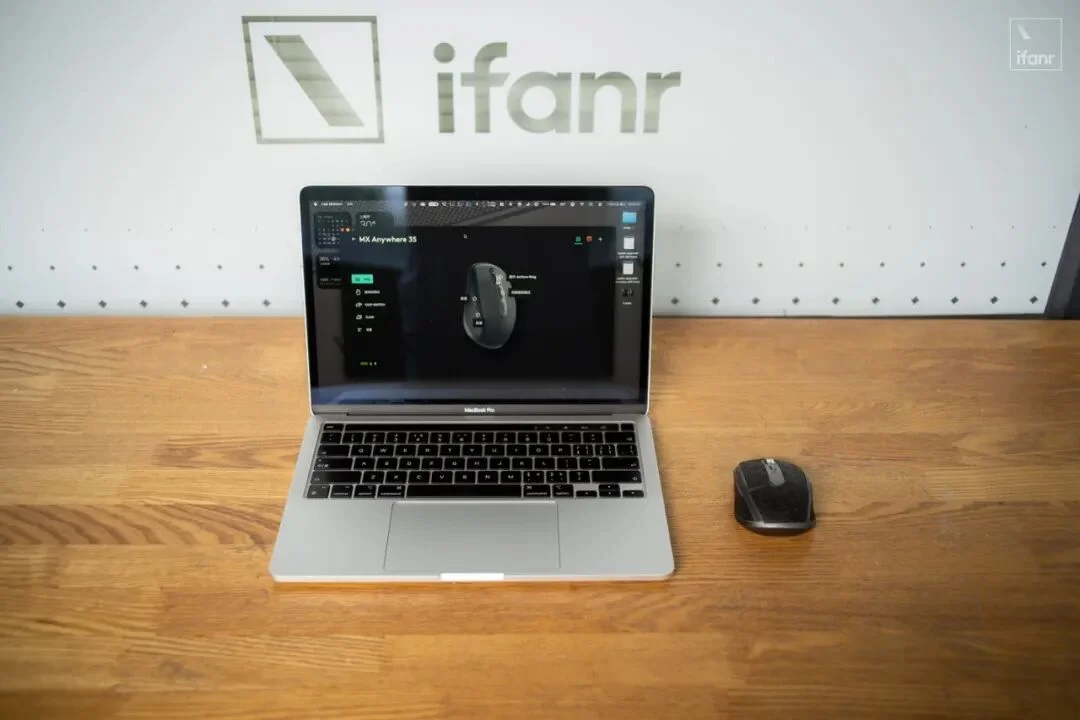
Instead of fighting keyboard clutter, this guide reveals how to repurpose your everyday Logitech MX Anywhere 3S mouse as a context-aware AI command center—dubbed the “Vibe Mouse”.
Why Mouse Over Keyboard?
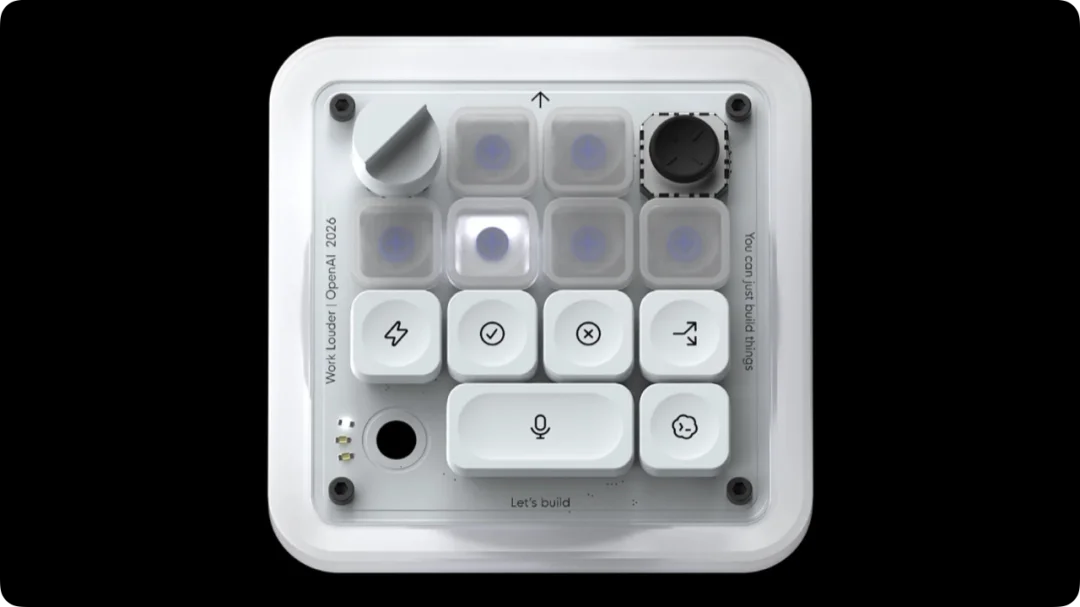
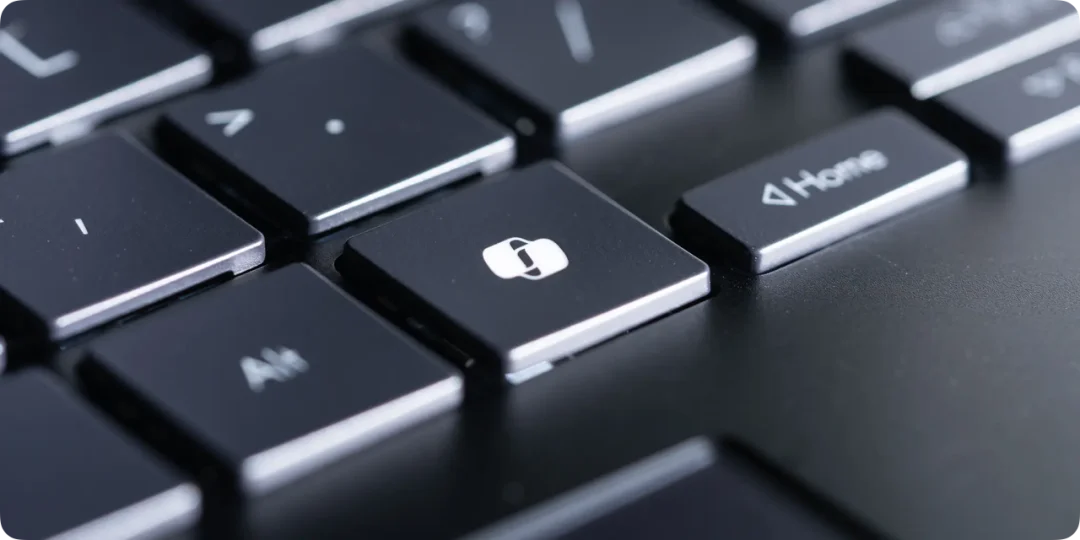
Unlike rigid hardware like the $230 Codex Micro or Copilot-key Windows keyboards, your existing mouse offers:
- ✅ Full programmability via Logi Options+
- ✅ Physical ergonomics—no hand repositioning required
- ✅ Multi-layer customization: global macros and app-specific actions
- ✅ Zero hardware cost—just 10 minutes of setup
“The best AI peripheral isn’t shipped from a factory—it’s shaped by your muscle memory.”
Core Setup: Smart Actions for One-Click AI Workflows
Using Logi Options+’ Smart Actions, convert mundane clicks into intelligent sequences:
| Button | Function | Key Sequence |
|---|---|---|
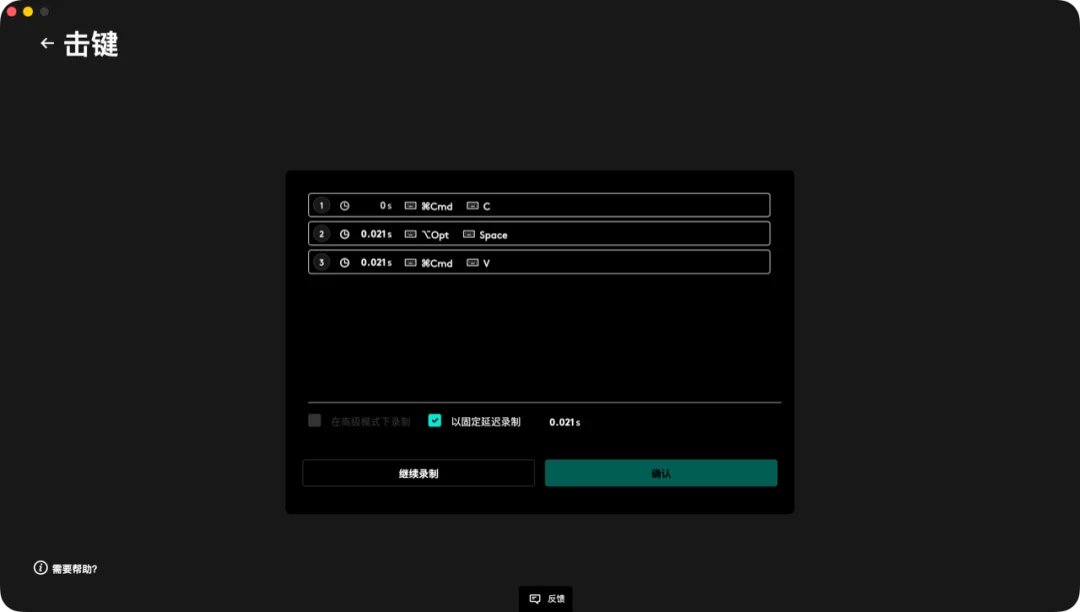
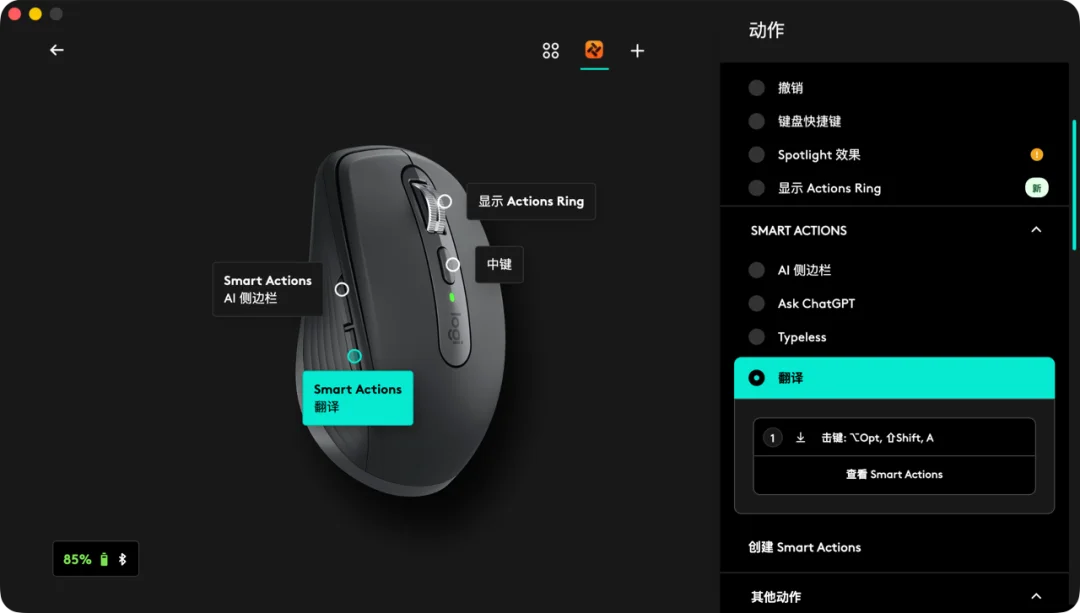
| Function Button (below scroll wheel) | AI Prompt Launcher | ⌘+C → ⌥+Space → ⌘+V |
| Left Side Button (Forward) | Voice Input (Typeless) | Fn |
| Right Side Button (Back) | System Screenshot | ⌘+Shift+4 |
| Middle Click (Scroll Wheel) | App Switcher Ring | Activates Actions Ring |
🎯 Real-World Scenarios
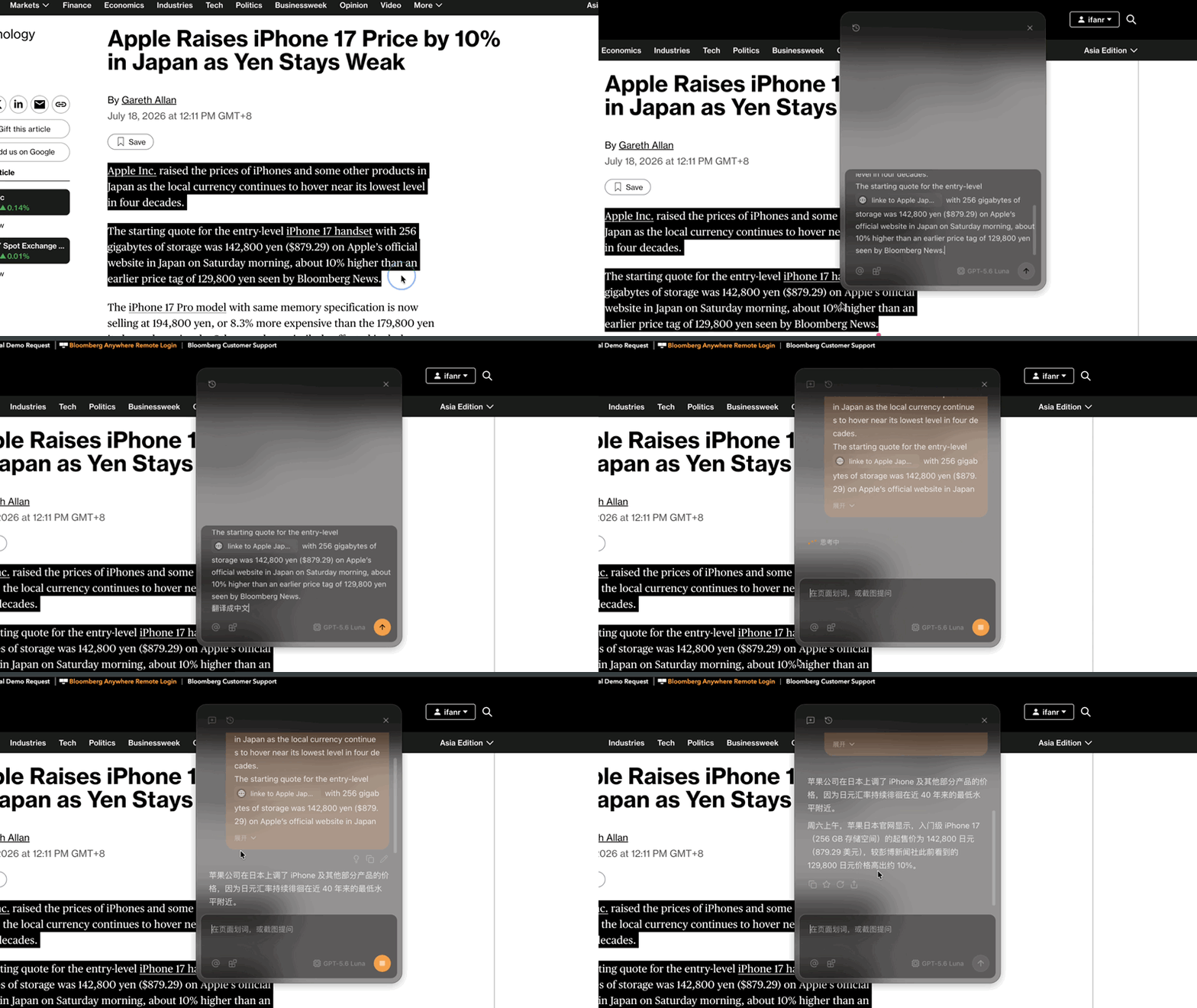
Scenario 1: Instant Translation
Select English text → press Function Button → ChatGPT returns polished translation in <2 seconds.
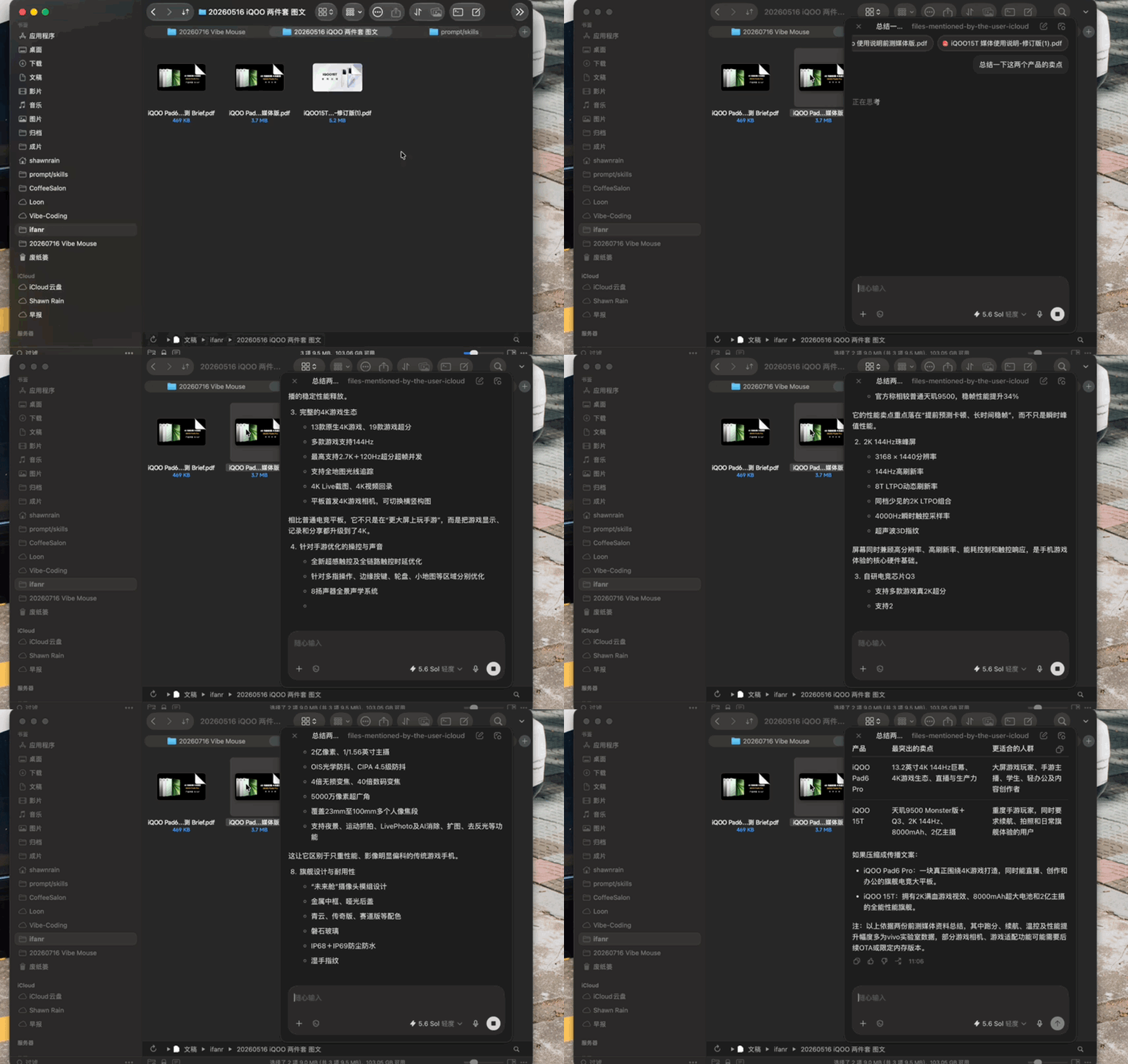
Scenario 2: PPT Summary Without Opening Files
Multi-select PPTs in Finder → press Function Button → GPT extracts core selling points instantly.
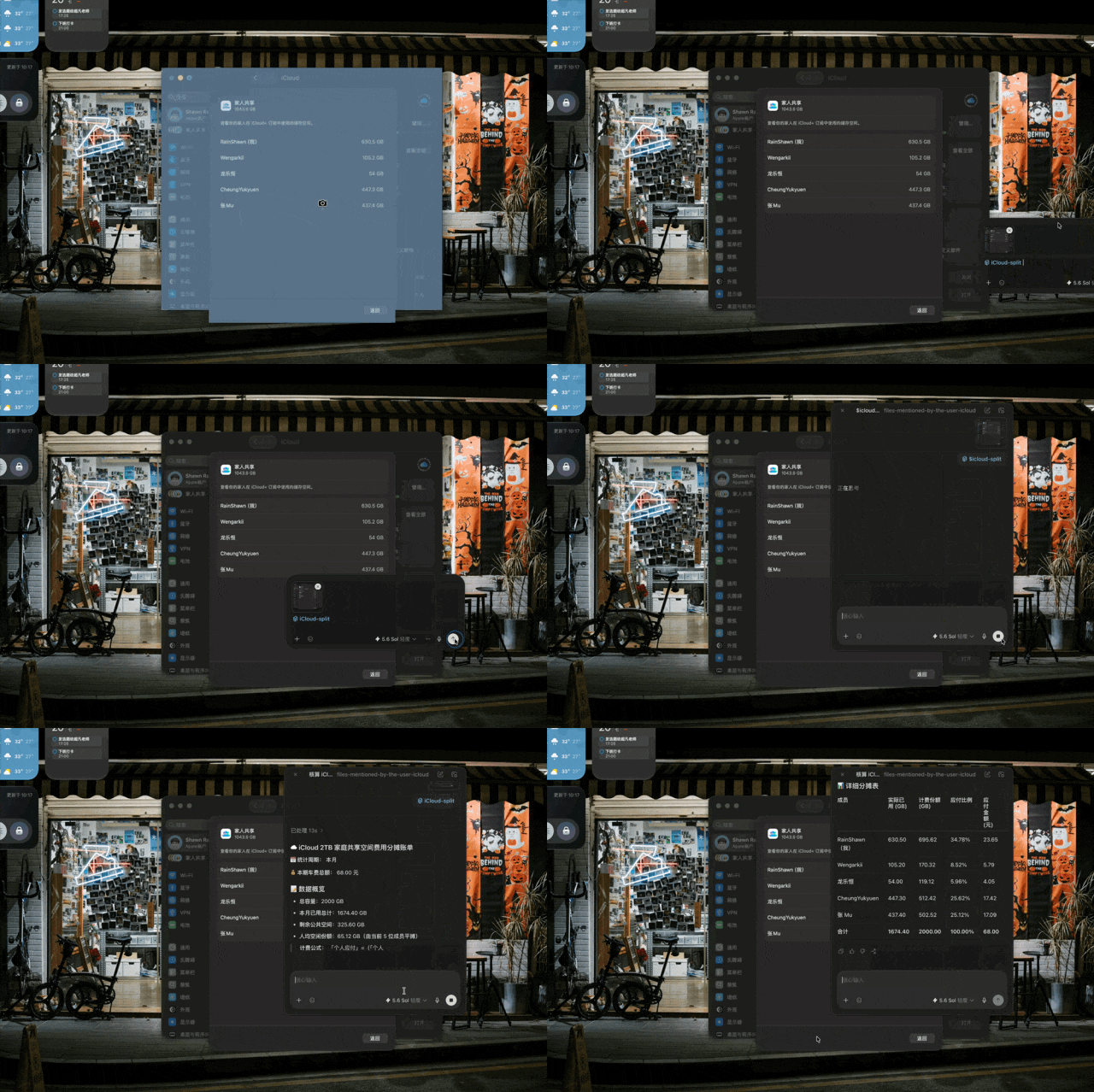
Scenario 3: Smart Bill Splitting
Screenshot iCloud bill → press Back Button, then Function Button → custom Skill parses usage % and auto-calculates per-person share.
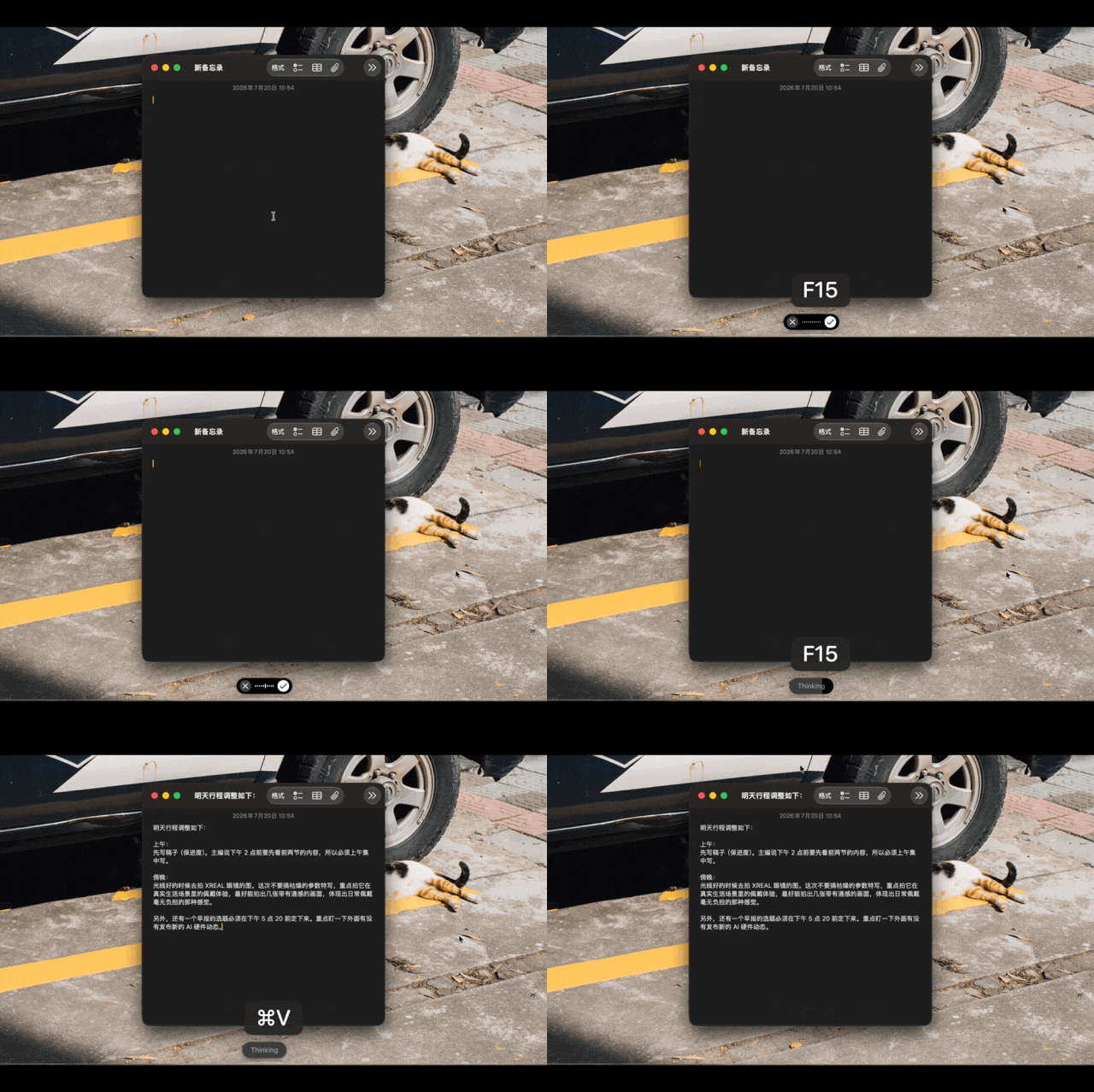
Scenario 4: Hands-Free Meeting Notes
Hold Forward Button, speak freely → Typeless transcribes & structures notes with timeline + priorities.
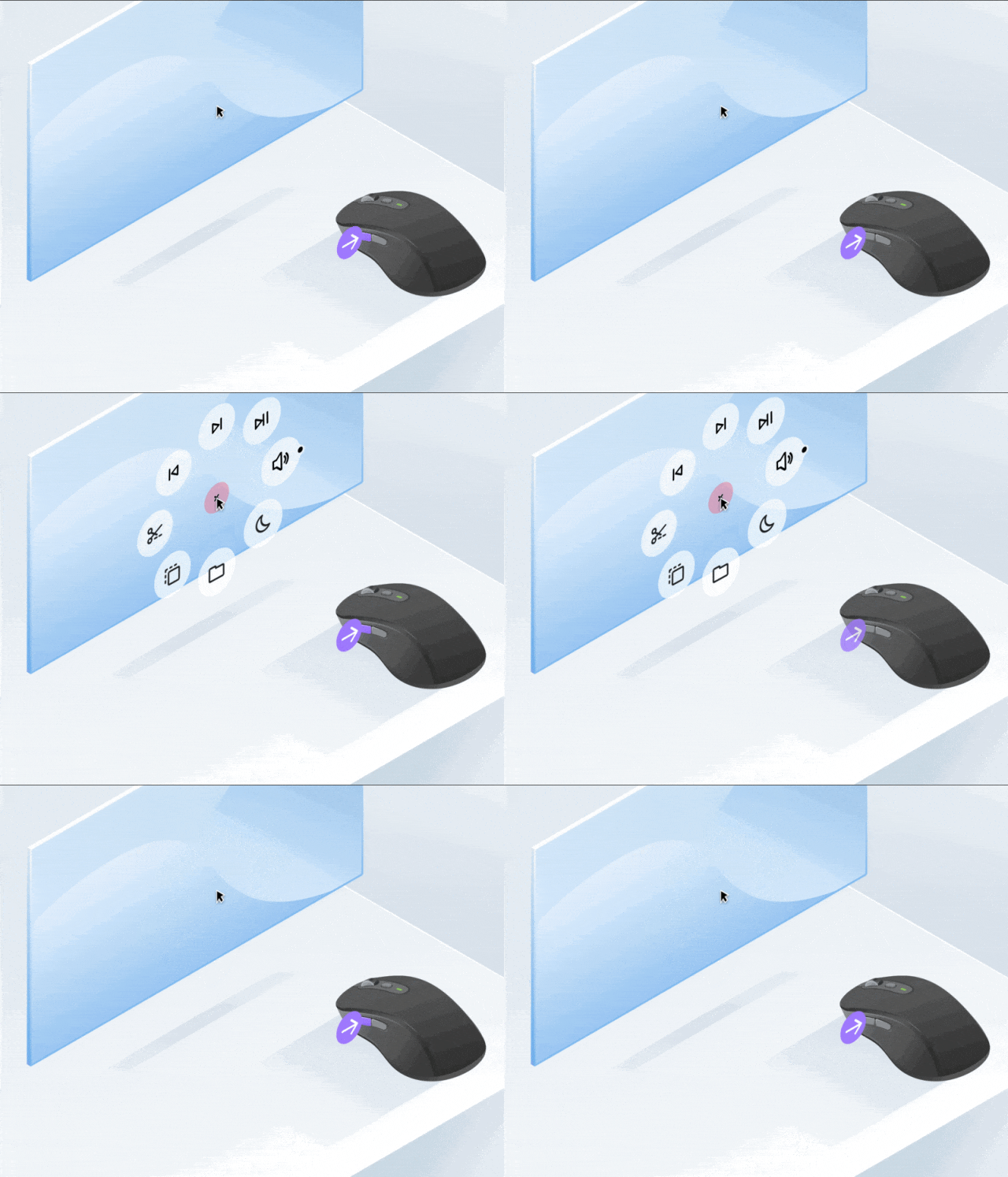
Scenario 5: Unified AI App Launcher
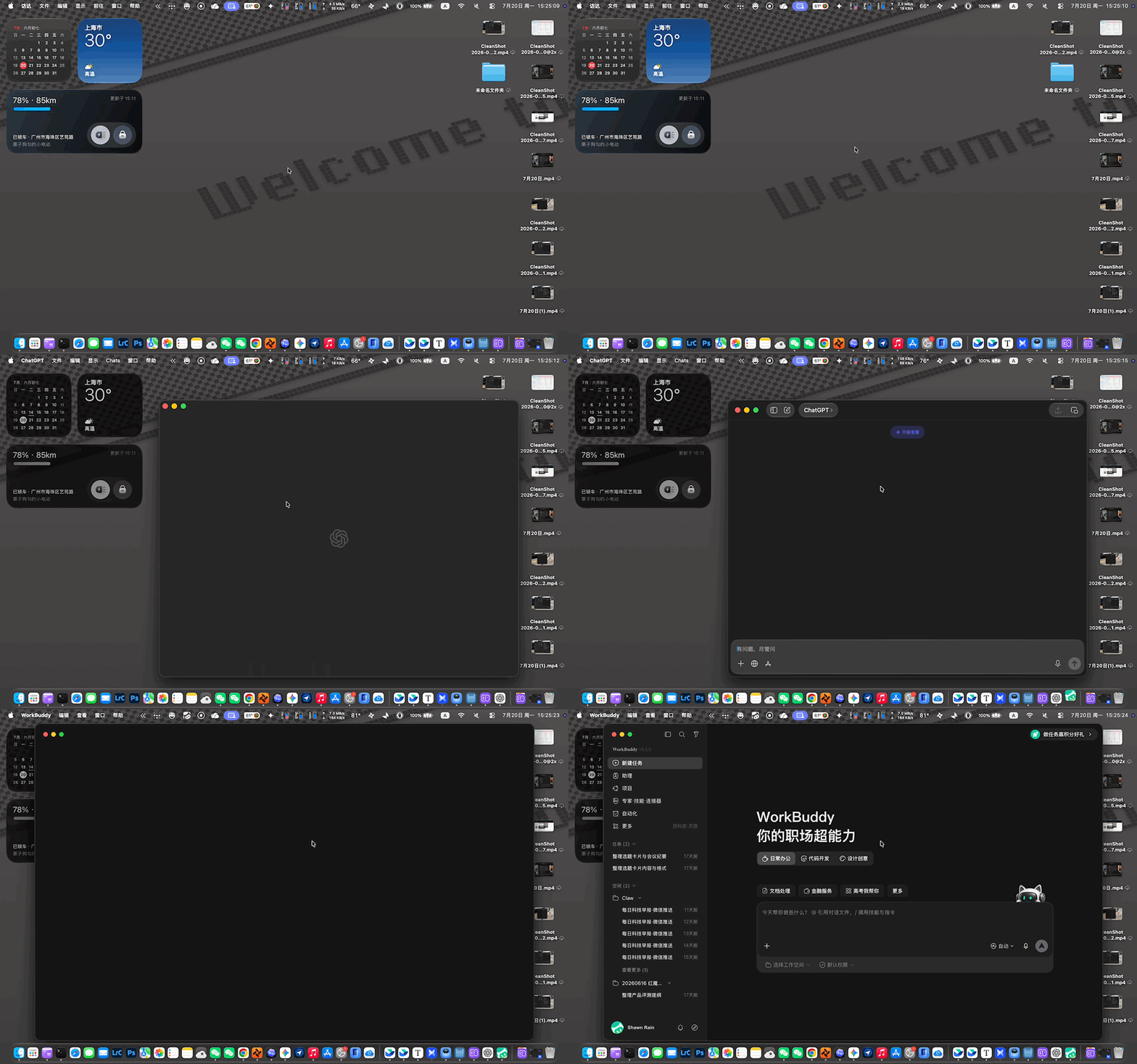
Press Middle Click → radial Actions Ring appears → swipe to launch ChatGPT, Notion AI, Arc, or Tabbit.
Advanced: Context-Aware Intelligence
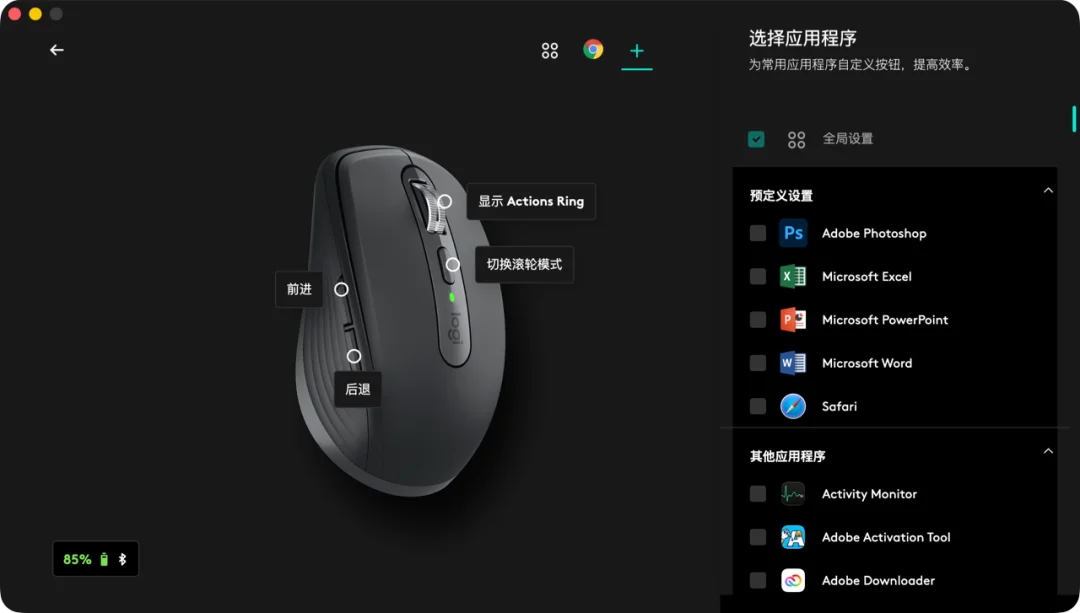
Go beyond global macros with App-Specific Configurations—Logi Options+ dynamically swaps button functions based on active application:
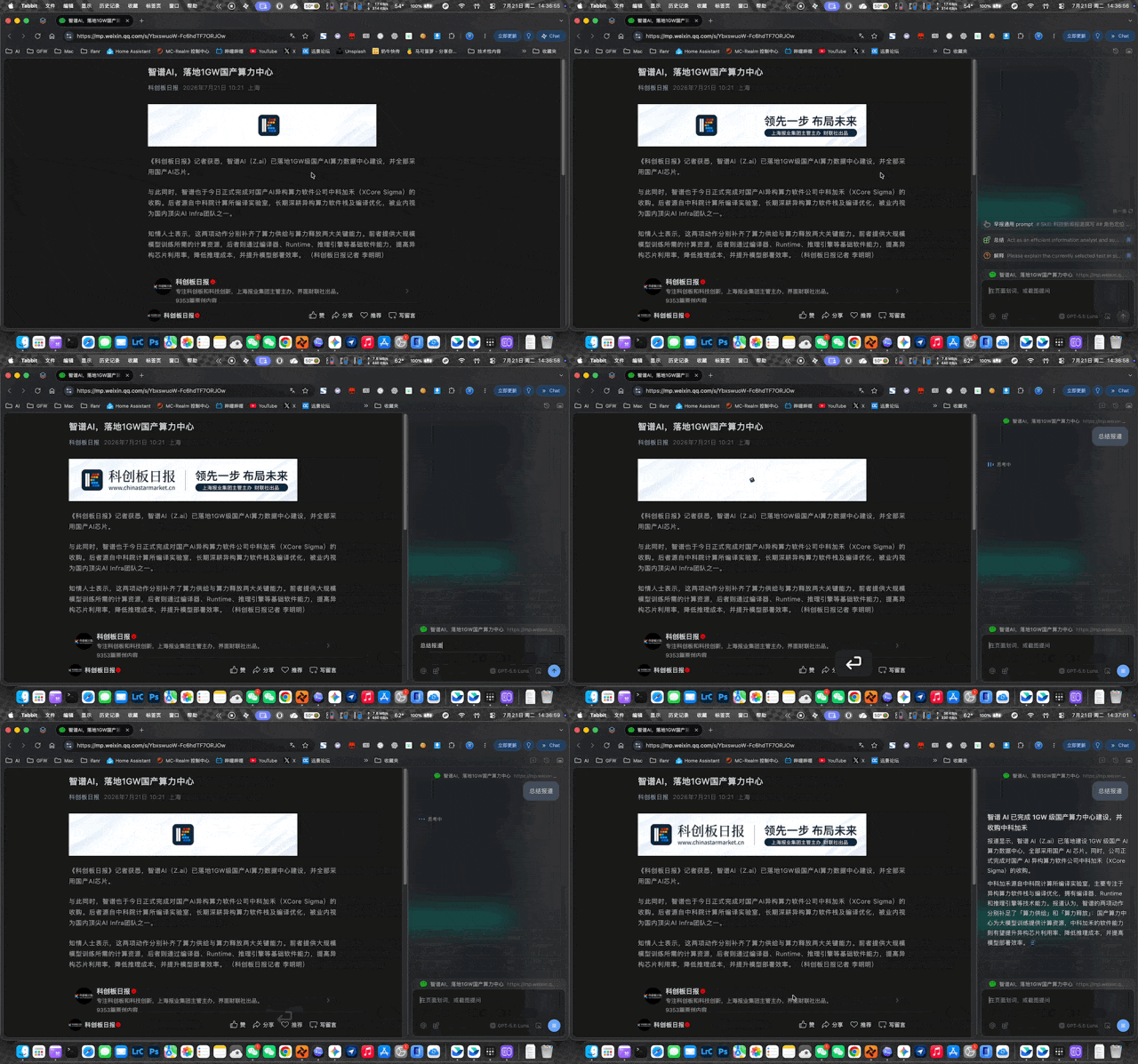
- 🌐 In Arc / Tabbit (AI Browsers):
- Forward →
⌥+](AI sidebar) - Back →
⌥+A(page translation) -
Function → full-article summary
-
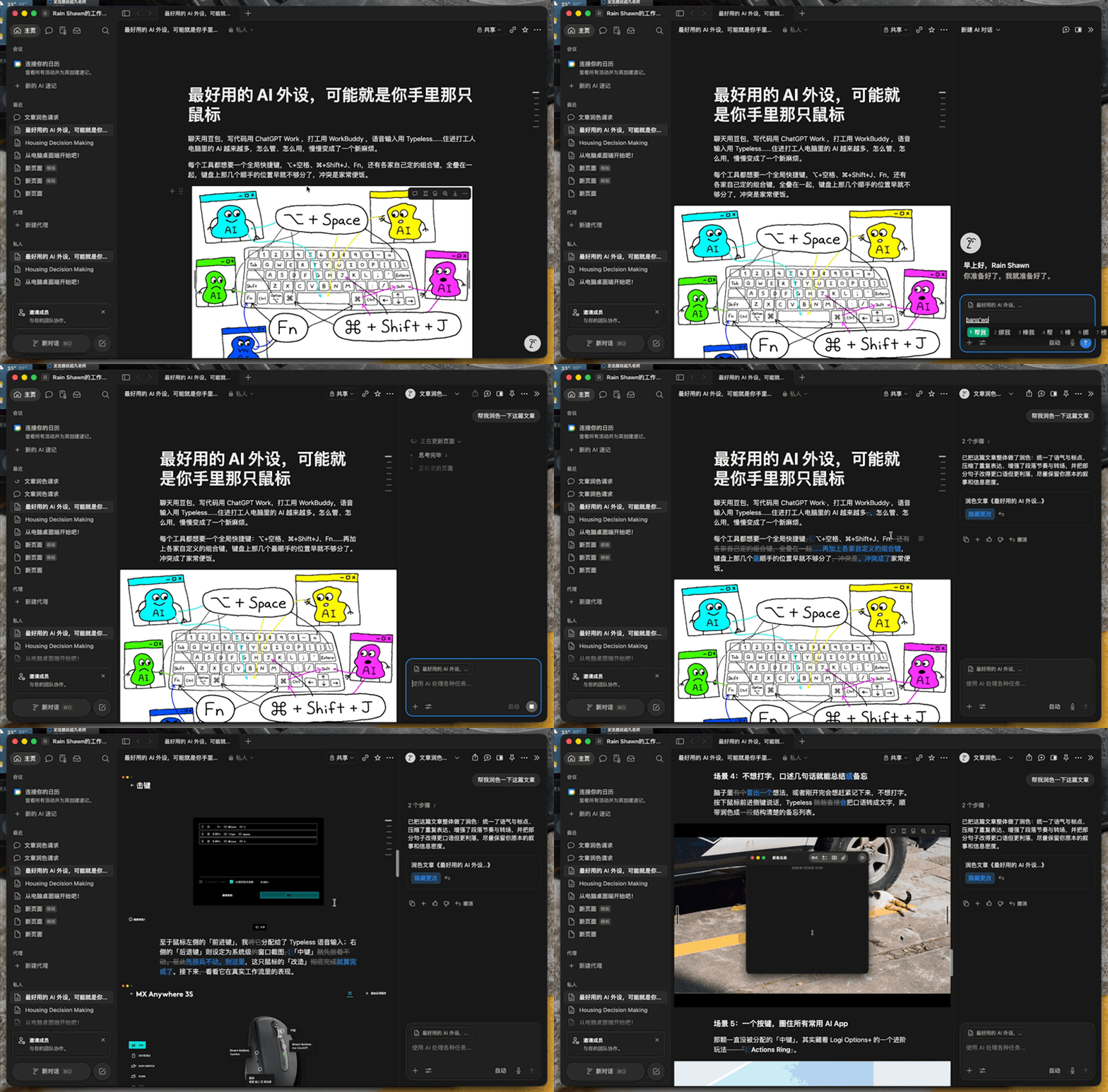
📝 In Notion / Feishu:
- Forward → AI expansion
- Back → logic critique
-
Function → voice-to-draft transcription
-
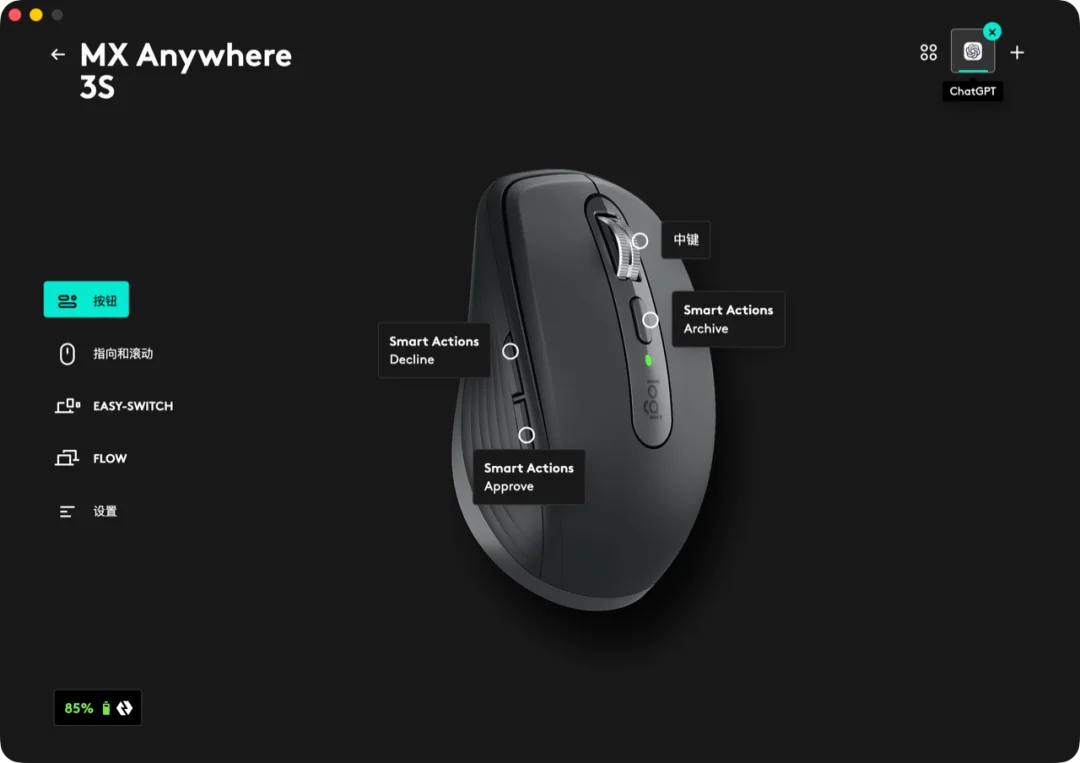
💼 In ChatGPT Work:
- Forward →
Enter(Approve) - Back →
Esc(Reject) - Function →
⇧+⌘+A(Archive task)
The Bigger Picture: AI Is Redefining Hardware
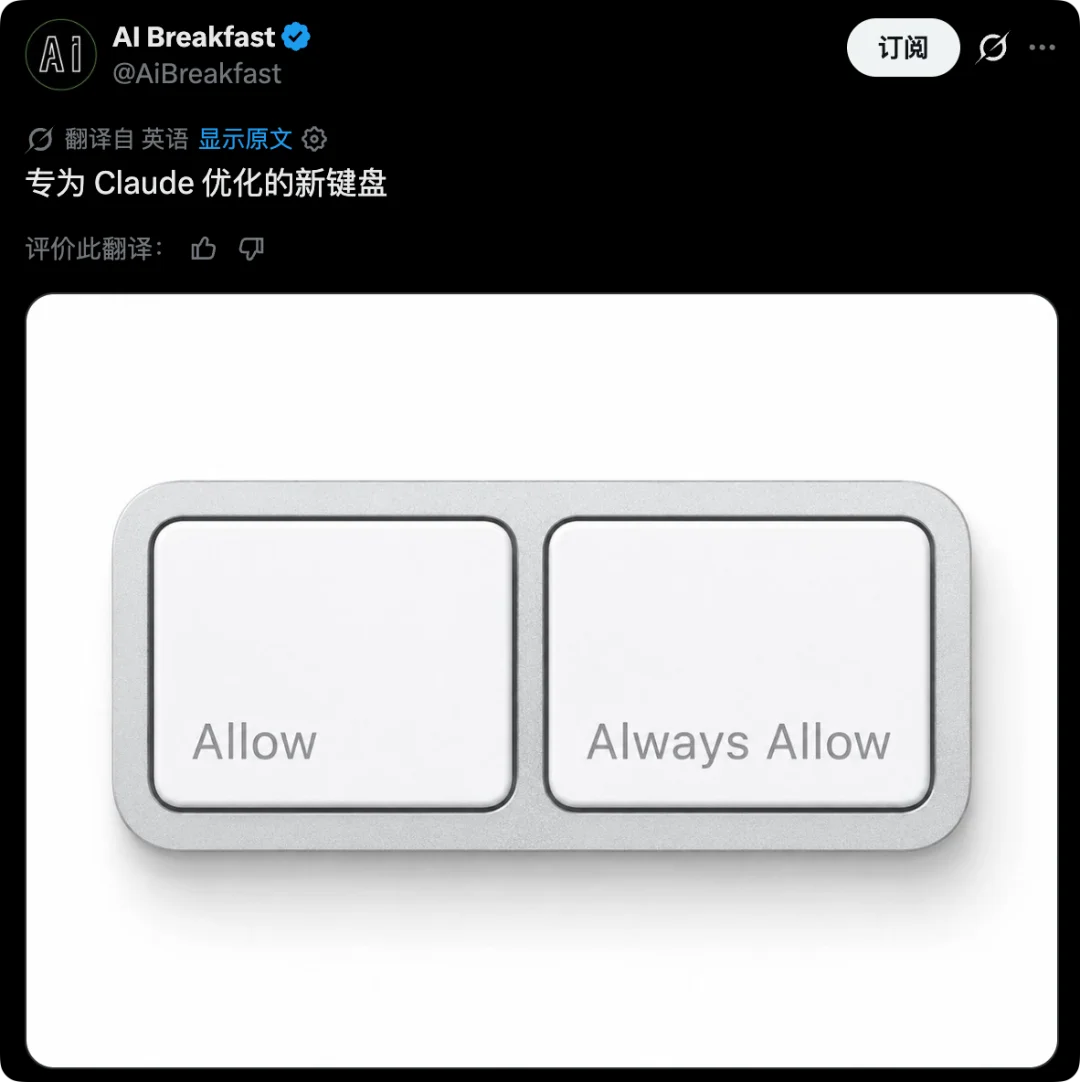
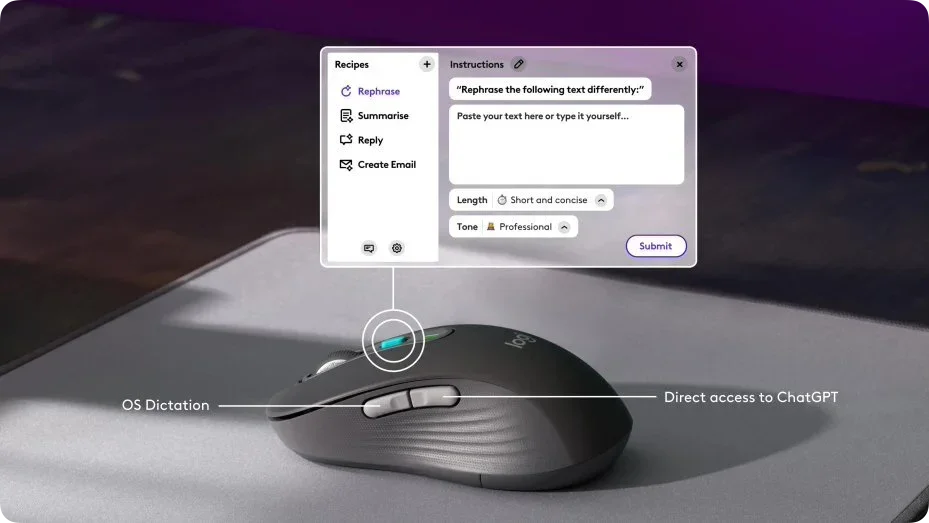
From Microsoft’s Copilot key to Logitech’s Signature AI mice and OpenAI’s Codex Micro, AI is shifting interaction paradigms—from software-first to hardware-native. But pre-baked buttons can’t match personal workflow nuance.
“No off-the-shelf AI peripheral knows your Excel pivot table habits or Slack thread patterns better than you do.”
This DIY mouse mod proves that true AI integration isn’t about buying new gear—it’s about reclaiming agency over your tools, turning familiar hardware into a personalized, adaptive interface.
Article adapted from APPSO.