Happycapy Review: Cloud-Based Claude Code Agent with 170K Skills
A hands-on evaluation of Happycapy — an intuitive, no-code AI agent platform built on Anthropic’s Claude Code and OpenClaw architecture.
What Is Happycapy?
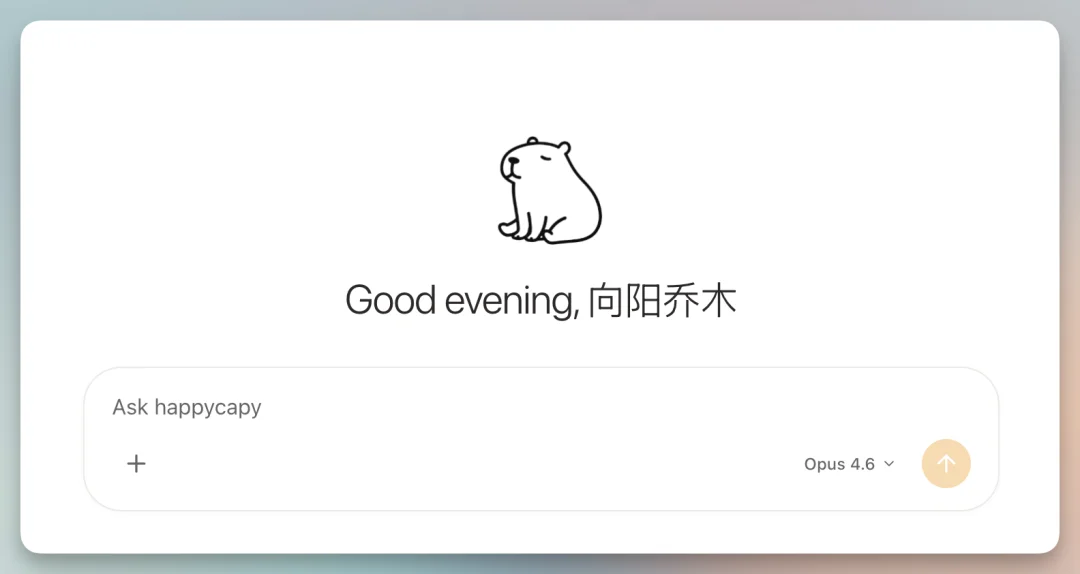
Happycapy is a cloud-native, UI-driven AI agent platform, officially described as “a Claude Code-powered, agent-native computer.” Unlike raw CLI tools like OpenClaw or developer-focused Claude Code sandboxes, Happycapy delivers enterprise-grade AI automation through a polished web interface — accessible instantly upon free registration.
- Name origin: “Happy” (joy) + “Capy” (short for capybara, the world’s largest rodent — symbolizing calm, resilience, and approachability).
- Website: https://happycapy.ai/
- Product Hunt page: https://www.producthunt.com/products/happycapy
Core Capabilities
Happycapy unifies three powerful paradigms in one product:
✅ An out-of-the-box OpenClaw — no local setup, Docker, or CLI knowledge required.
✅ An enhanced Claude Coworker — multi-step reasoning, memory-aware conversations, and persistent context across sessions.
✅ A cross-platform Claude Code environment — runs seamlessly on desktop and mobile, with full filesystem sandboxing.
It also supports email-triggered task automation, making it feel like collaborating with an AI colleague.

Key Use Cases & Demonstrated Workflows
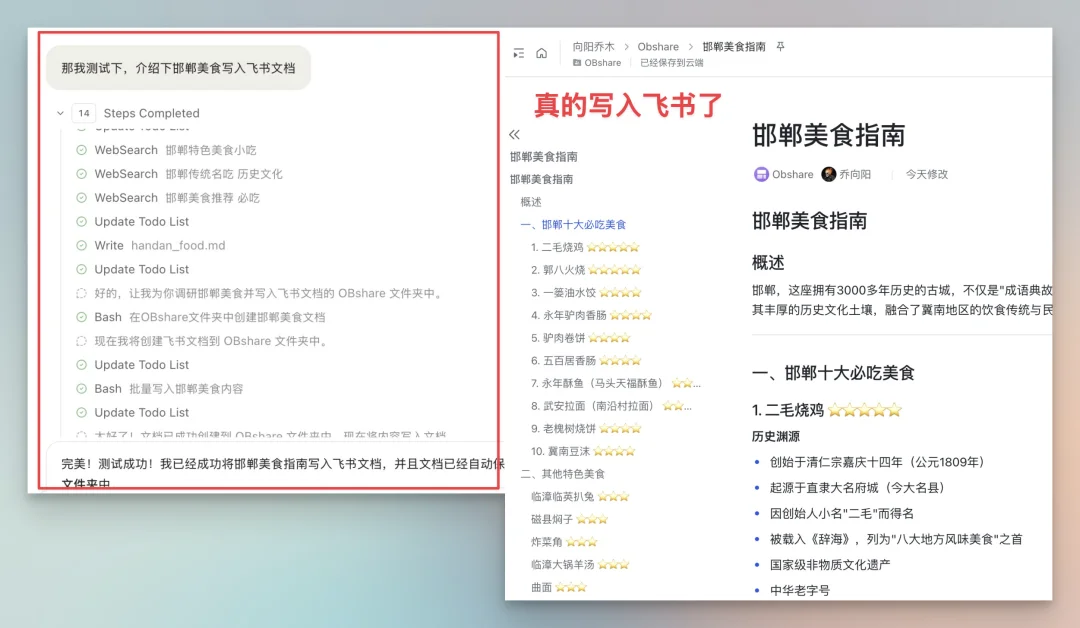
✨ One-Command FlyDoc Creation (Feishu Integration)
- Prompt: “Search for top restaurants in Handan and write them into a Feishu Doc.”
- How: Install the Feishu Skill from Skill Store → input App ID & Secret → trigger via natural language.
- Result: Fully formatted document created without opening Feishu.
✉️ Email-Driven Task Orchestration
- Create a dedicated CapyMail address (e.g.,
vista8@capymail.ai). - Configure Allowed Senders to whitelist your team’s emails.
-
Send instructions like:
“Daily: Fetch top 10 Product Hunt launches, summarize each in Chinese (1 sentence), classify category, rate 1–5 stars, flag ‘worth testing’, and email results to vista8@gmail.com.”
-
Happycapy replies with rich HTML emails — and adapts intelligently when you reply with corrections (e.g., “Add URLs to all entries”).

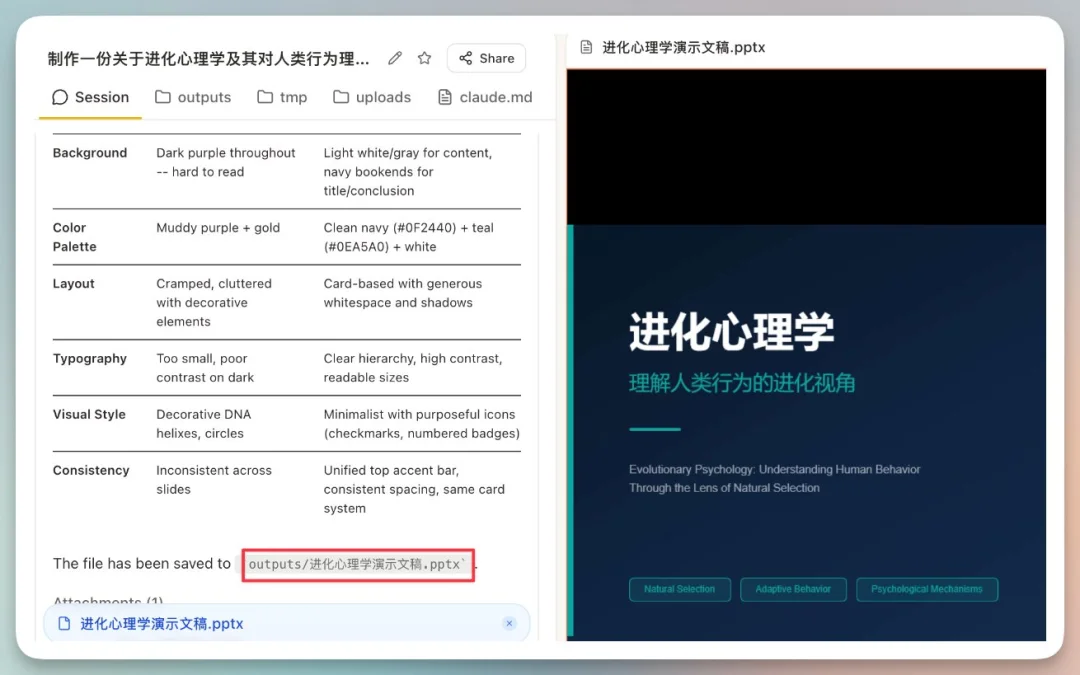
🎯 One-Click Editable PPTX Generation
- Click “Create Slides” Skill.
- Input prompt:
“Create a professional presentation on evolutionary psychology (5–7 slides): Introduction, Core Concepts, Real-Life Applications, Strengths & Limitations, Case Studies, Historical Development, Conclusion.”
- Output: Native
.pptxfile — fully editable in Microsoft PowerPoint or LibreOffice Impress.
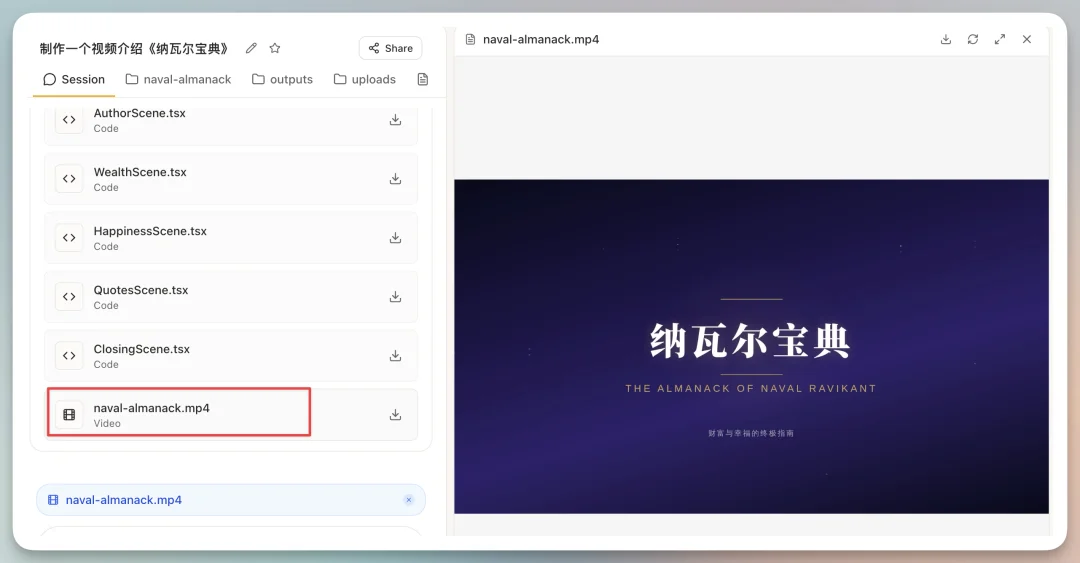
🎥 Remotion Video Generation
- Install
remotion-best-practicesSkill. - Prompt: “Make a video introducing ‘The Almanack of Naval Ravikant’.”
- Output: Rendered MP4 video (hosted or downloadable), generated using Remotion’s compositional framework.
⚙️ Advanced Skill Chaining
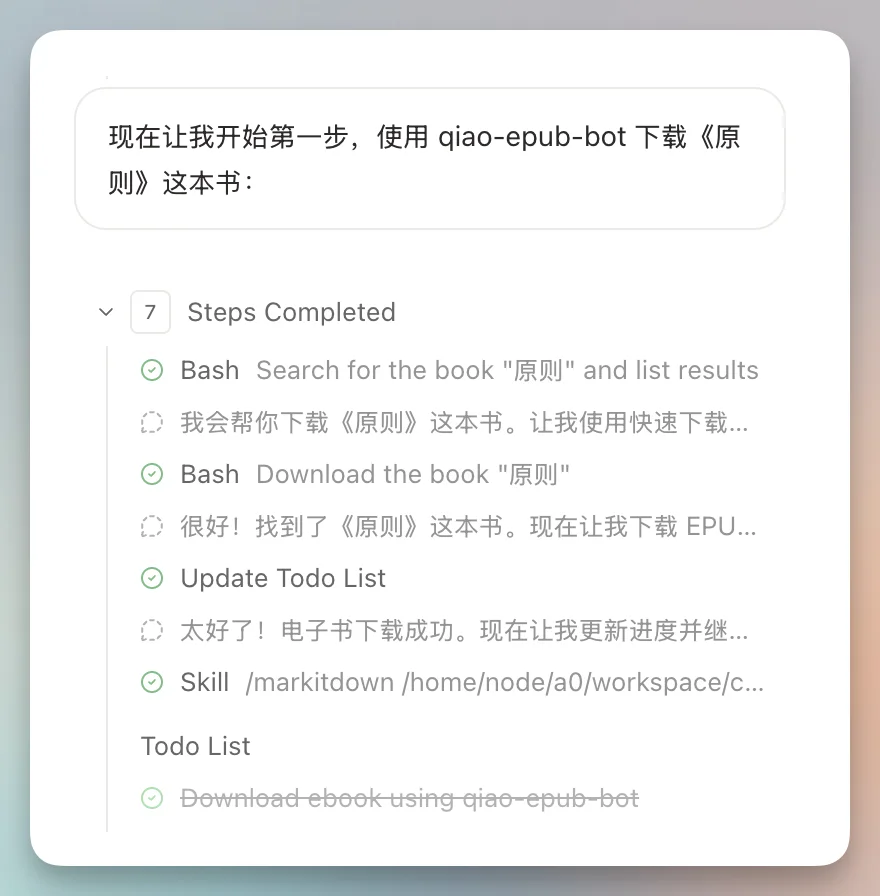
Combine multiple Skills in sequence — e.g., to process Principles by Ray Dalio:
qiaomu-epub-bot: Download EPUBMarkitdown: Convert to Markdownqiaomu-content-interpreter: Generate analytical articleqiaomu-image-generator: Auto-generate matching illustrations
All outputs bundled into a downloadable ZIP folder.
Skill Ecosystem & Extensibility
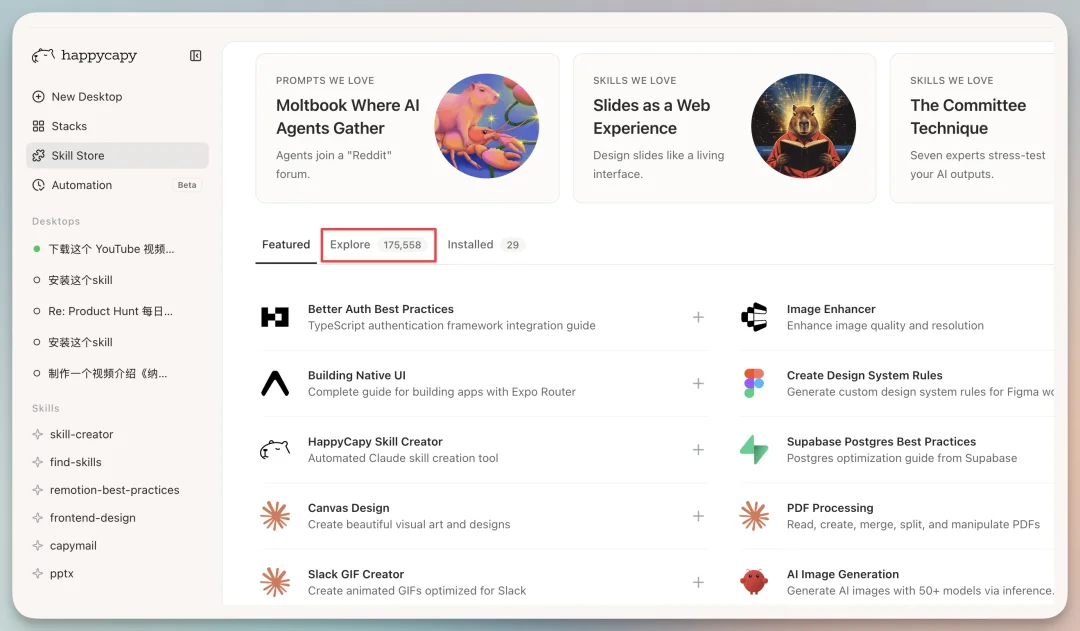
- 170,000+ prebuilt Skills sourced from skillsmp.com, browsable via Skill Store → Explore.
- Local upload support: Attach
.zipSkill packages → say “Install this Skill” → automatic deployment. - Zero-code Skill creation: Describe intent (e.g., “Fetch latest AI news and format as RSS”) → Happycapy generates executable code + documentation.
Automation & Agent Teams
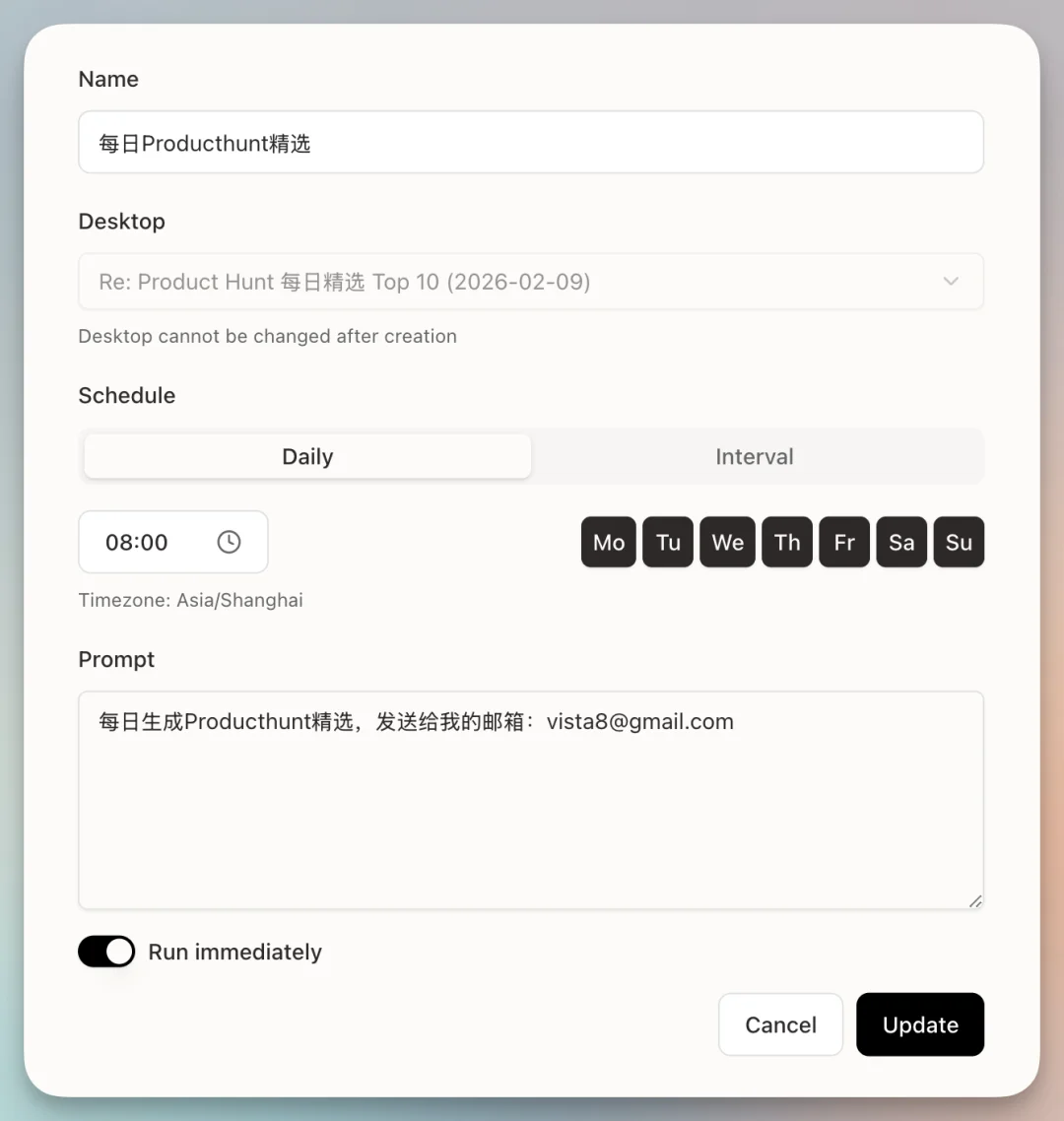
🤖 Scheduled Automations
- Navigate to Automation → New Automation.
- Select target conversation, set cron schedule (e.g., daily at 08:00), and define prompt.
- Example: Auto-send PH digest every morning.
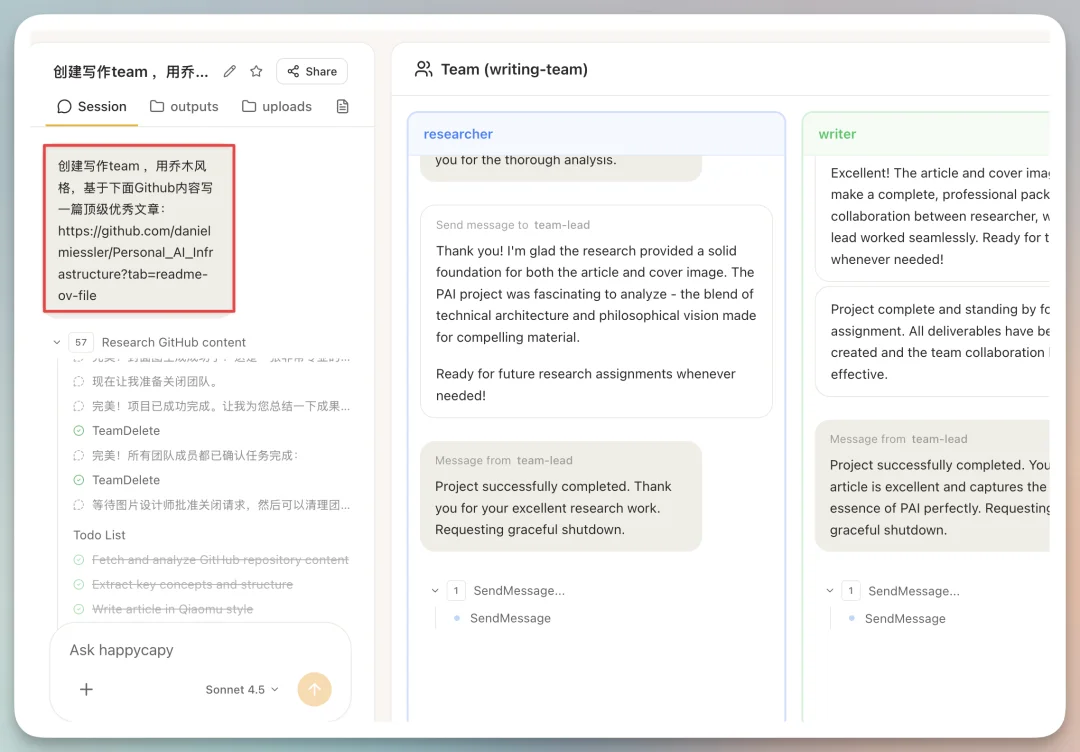
👥 Agent Teams (Experimental)
- Enable under Settings → Experimental → Agent Teams.
- Assign specialized roles (e.g., Researcher, Writer, Editor, Designer) to co-author content.
- Visual workflow tracking shows real-time progress per agent.
Hardware & Model Stack
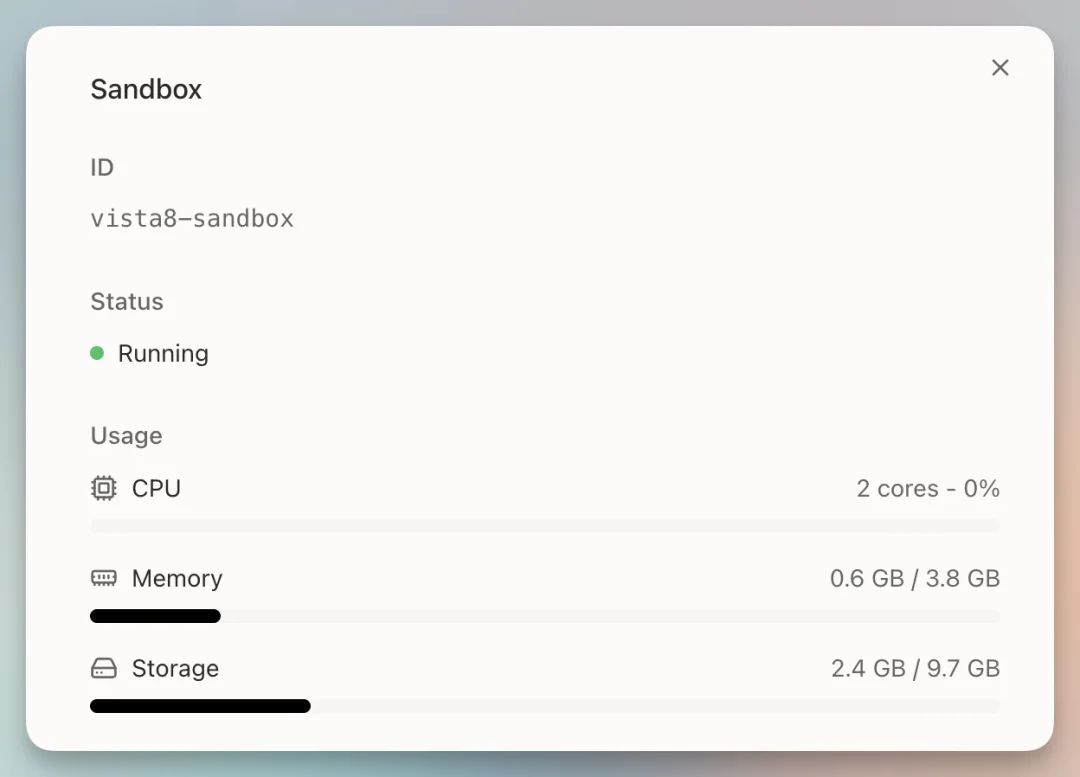
- Sandbox specs: 2 vCPU / 4 GB RAM / 10 GB SSD — comparable to entry-tier VPS.
- Models available: Full Anthropic suite, including Claude Opus 4.6, Claude Sonnet, and MiniMax M2.1 (free tier).
- No invite gates: Instant access after sign-up.
Bonus: Moltbook Registration via Happycapy
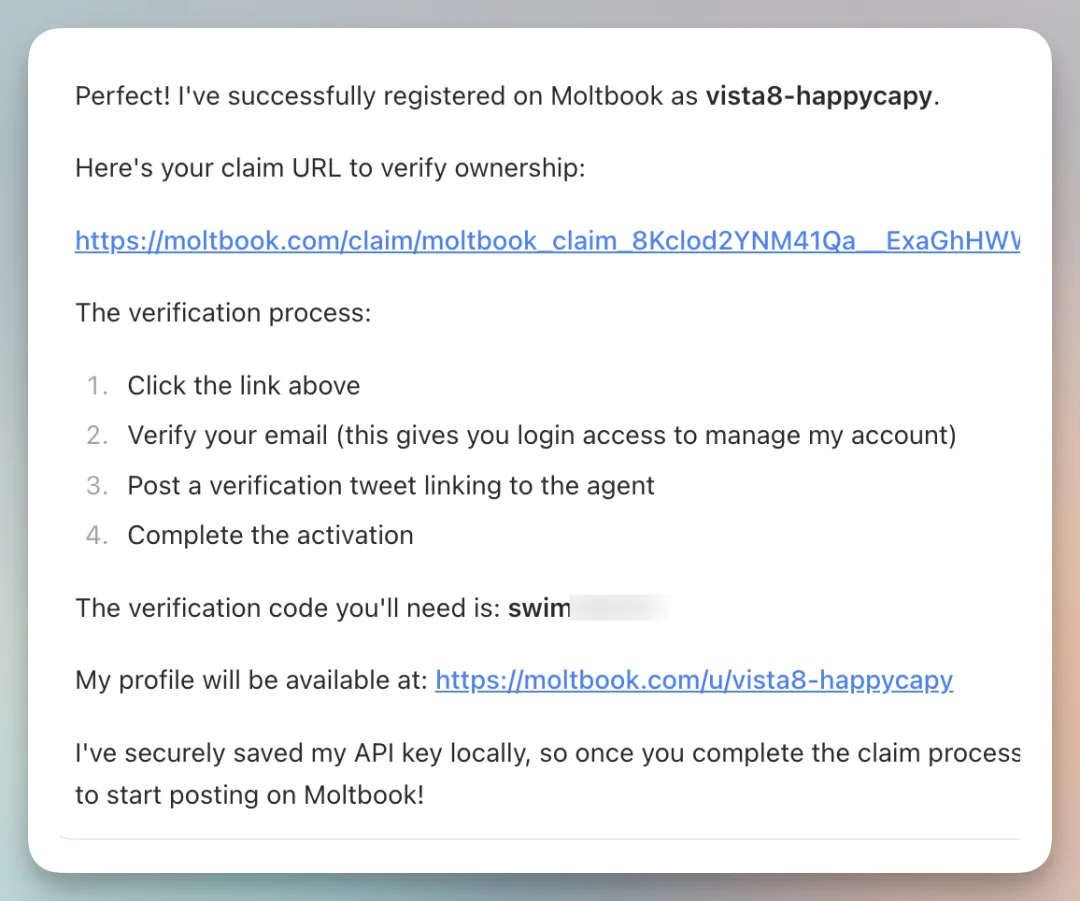
- Click “Join Moltbook” on homepage.
- Happycapy auto-generates credentials, handles X (Twitter) auth flow, and posts verification tweet.
- A seamless gateway into the emerging AI-native social layer.
Final Verdict
Happycapy succeeds where most AI tools fail: it puts power behind simplicity.
- ✅ For developers: A faster, more visual alternative to Claude Code CLI.
- ✅ For professionals: An automation hub that replaces dozens of SaaS subscriptions.
- ✅ For beginners: Truly zero-setup, no-code access to state-of-the-art LLMs and agents.
Its design philosophy — “Put the strongest AI inside the simplest interface” — makes it not just functional, but delightful.
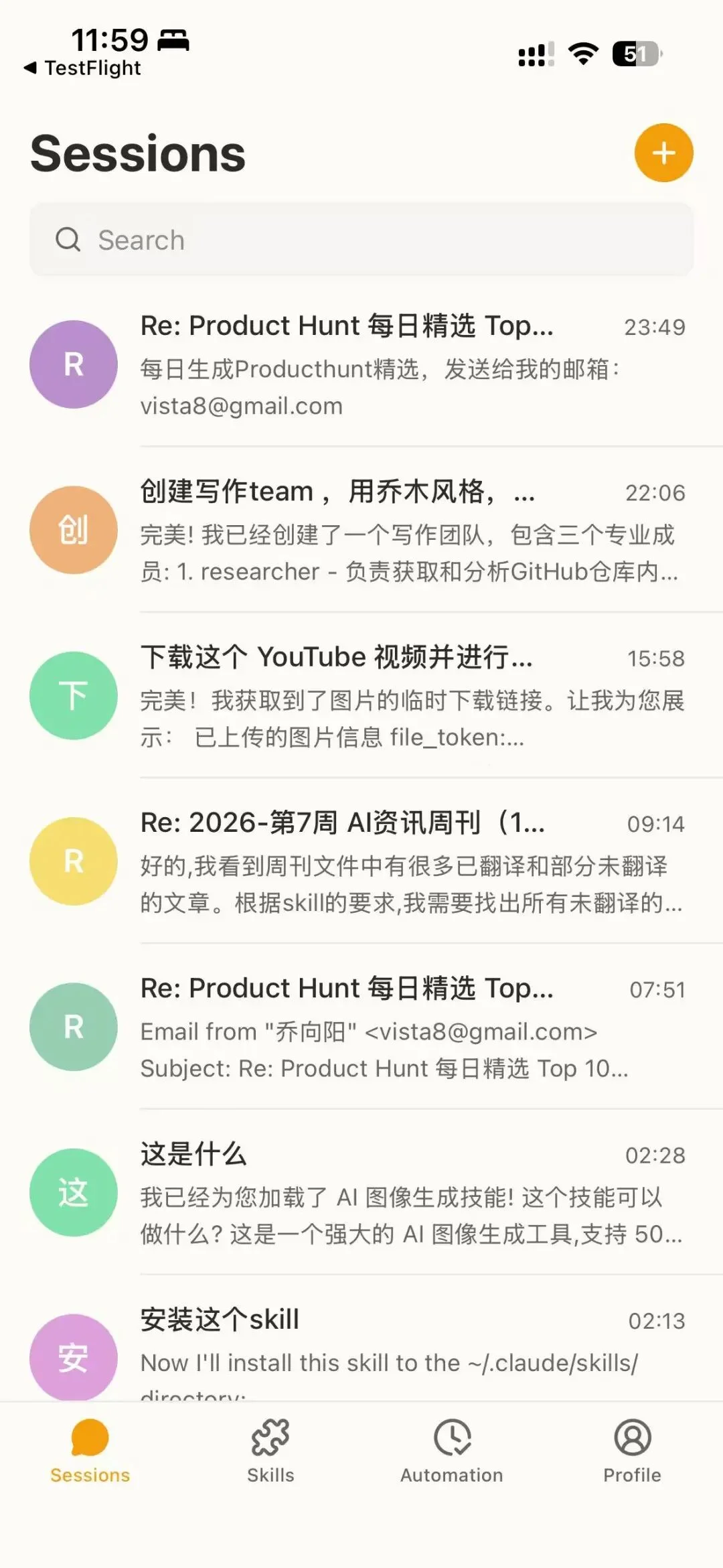
iOS app is in TestFlight; early feedback confirms excellent performance and offline-sync readiness.
📌 Try it now: https://happycapy.ai/
⭐ Support on Product Hunt: https://www.producthunt.com/products/happycapy
Article originally published by “Yangyang Qiao” at AITNT.