Factory Launches Desktop AI Agents That Control Your Computer
AI Agents Take a Seat at Your Desk
On April 8, AI programming company Factory announced its new desktop application — a native interface for autonomous AI agents (“Droids”) designed to operate across every layer of your software business.
“Today we’re releasing the Factory desktop app. A native interface for autonomous AI agents that work across every part of your software business.”
This announcement quickly gained traction: the official tweet garnered over 210,000 views, nearly 900 likes, and 579 saves in under two days — sparking widespread discussion among developers and enterprise technologists.
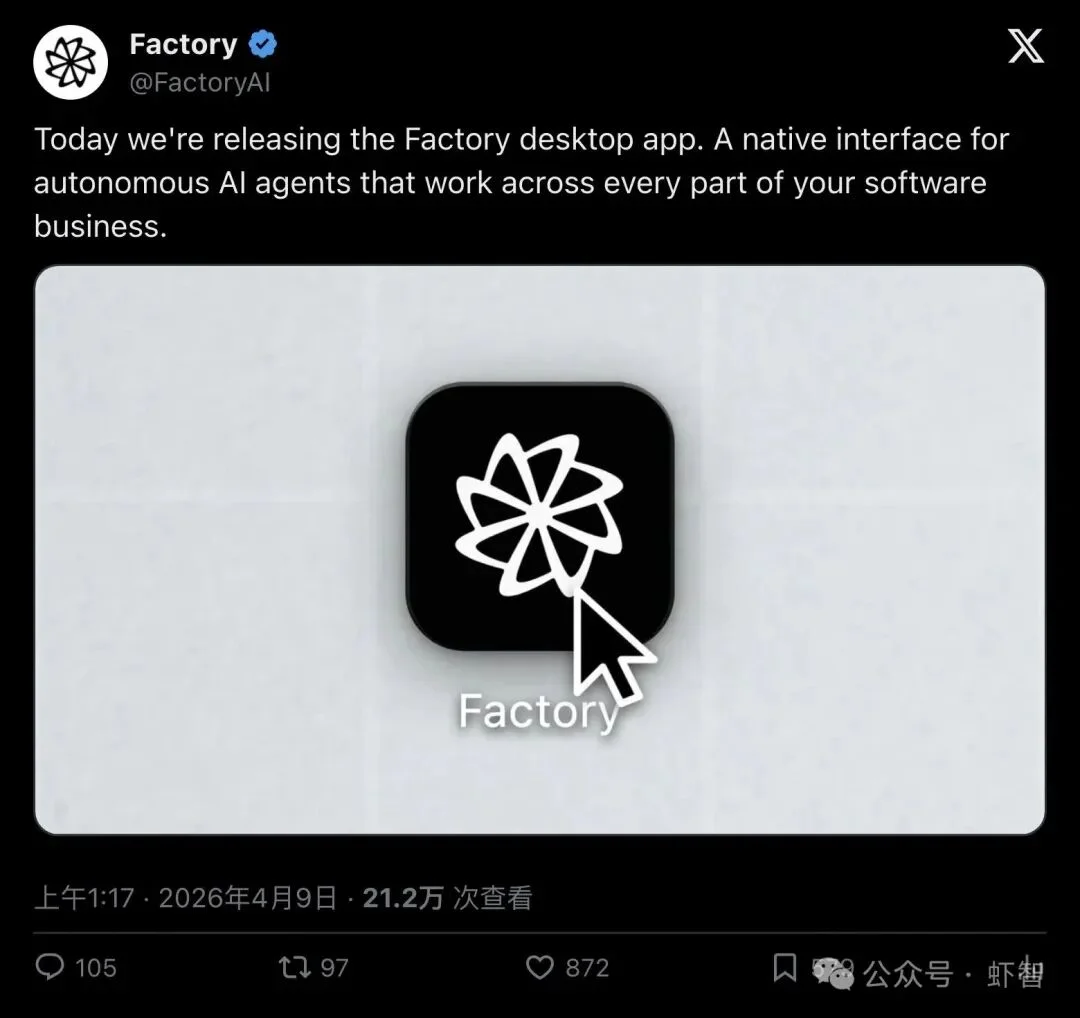
▲ Factory’s official desktop launch post: 210K+ views, 872 likes, 579 saves
At first glance, it appears to be another GUI wrapper — but Factory’s implementation is radically deeper: AI agents now sit at your workstation, operate your applications, and run multiple concurrent projects — just like human colleagues.
“Operating Your Computer Like You Do” — What Does That Mean?
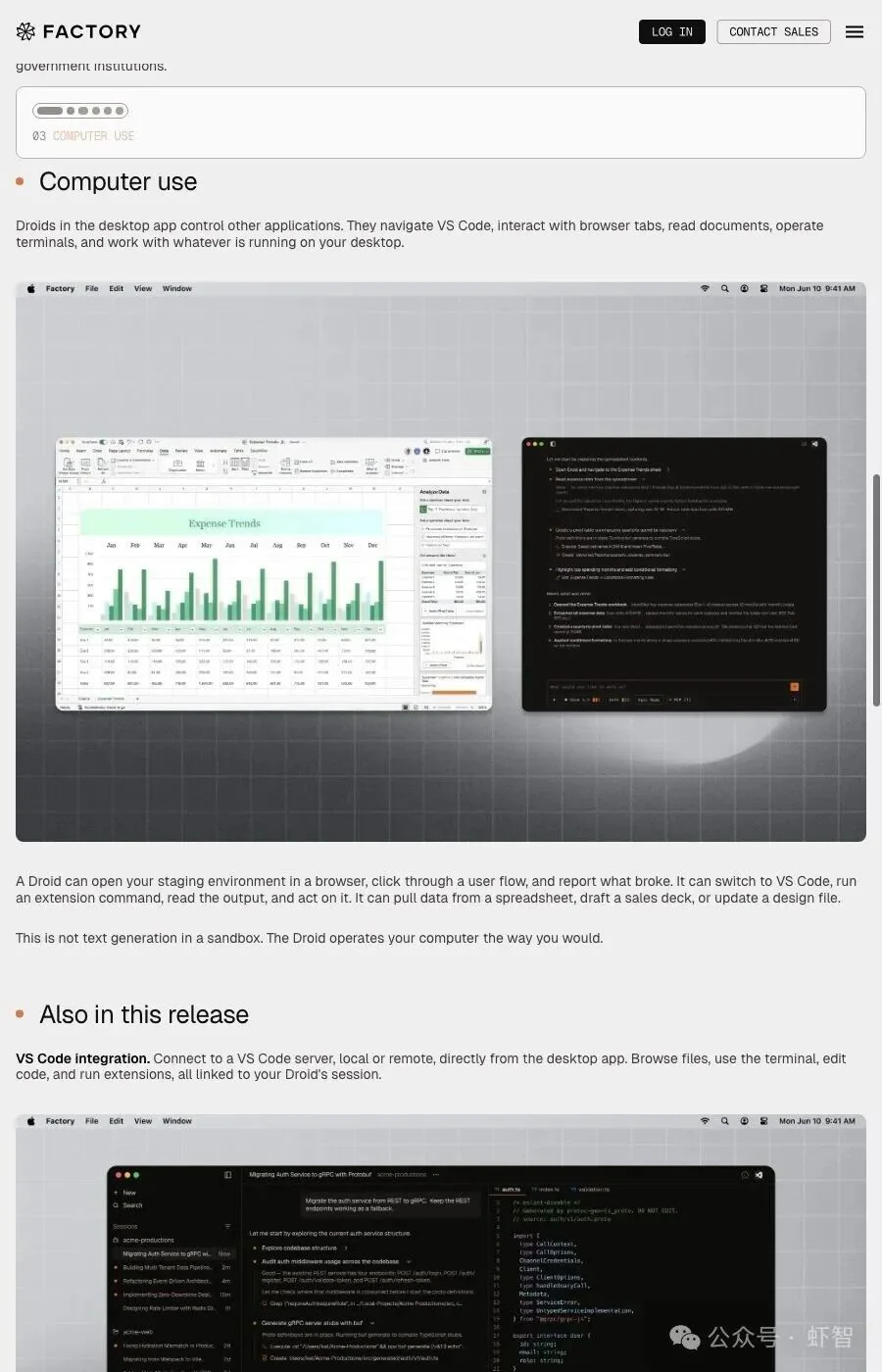
The most groundbreaking capability is called Computer Use.
It goes far beyond sandboxed code generation or LLM-based suggestions. Instead, Droids directly interact with live desktop applications:
“Droids in the desktop app control other applications. They navigate VS Code, interact with browser tabs, read documents, open Excel, and work with whatever is running on your desktop.”
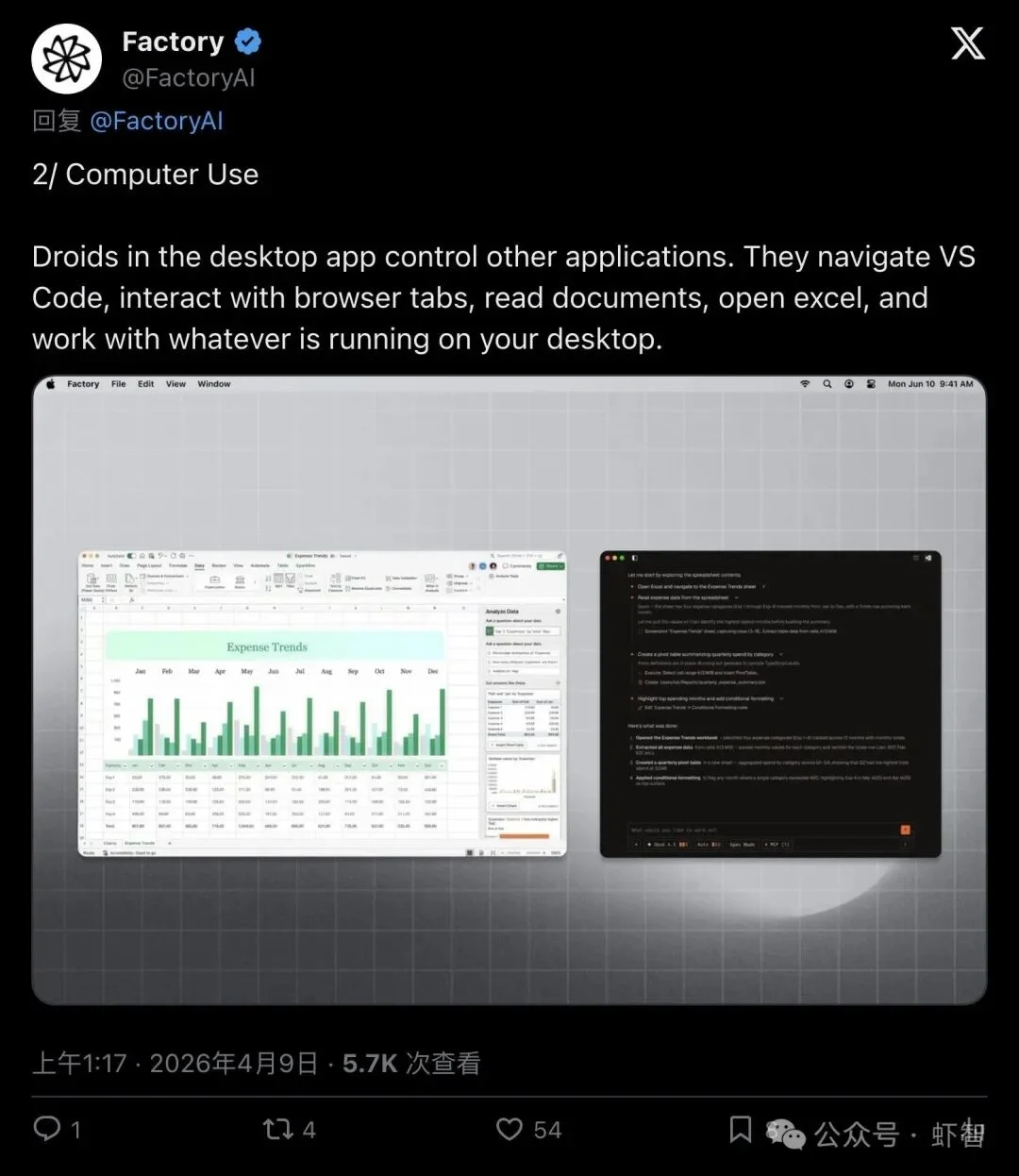
▲ Official demo: Droid simultaneously controlling Excel and VS Code
Real-World Workflow Example
According to Factory’s official release:
- Opens your staging environment in-browser, walks through a user flow, and reports bugs;
- Switches to VS Code, runs an extension command, reads output, and continues action;
- Pulls data from Excel, drafts sales proposals, and updates design files — all autonomously.
“This is not text generation in a sandbox. The Droid operates your computer the way you would.”
Run 5 AI Colleagues in Parallel — With One Click
Factory introduces Multi-Agent Sessions, enabling true concurrent task execution:
- Launch independent Droids for feature development, database migration, code review, security scanning, and documentation — each with its own isolated context, progress tracking, and history.
- All sessions appear in a persistent sidebar — no more terminal tab chaos or lost state.
“The desktop app is built for running multiple Droids at once. Each session lives in the sidebar with its own context, progress, and history.”
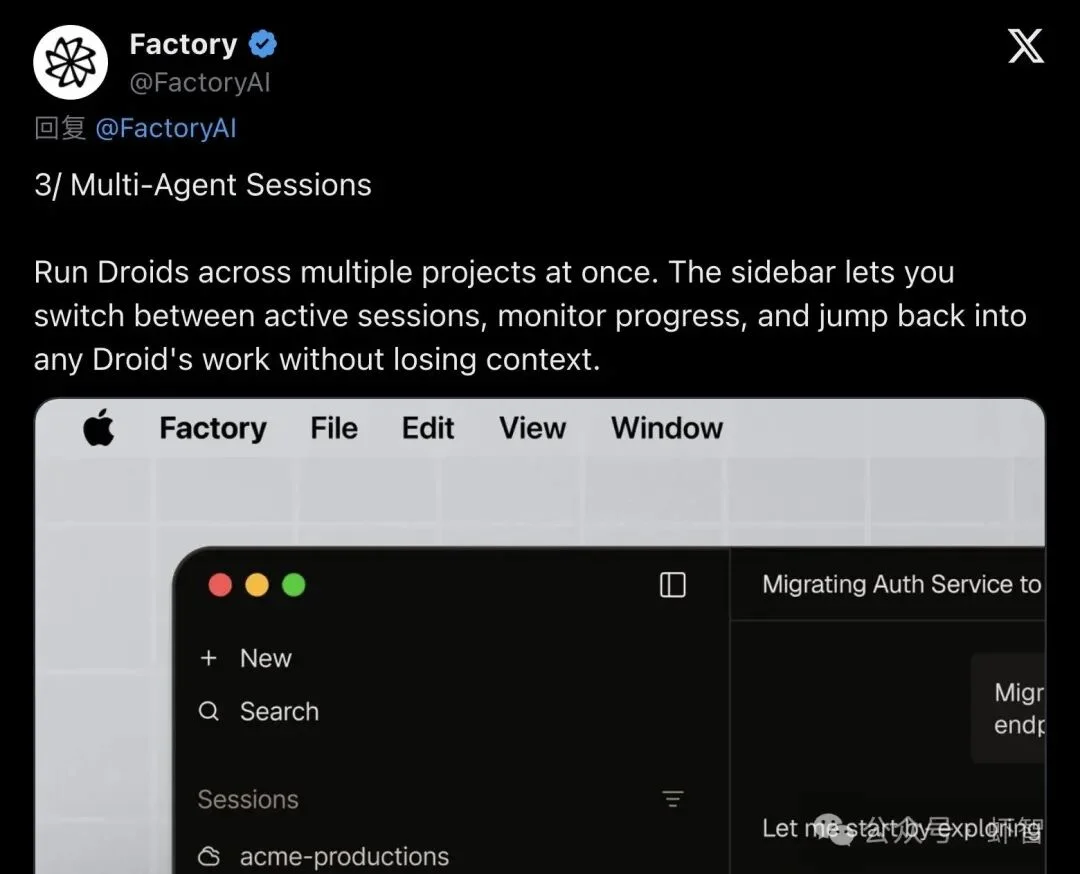
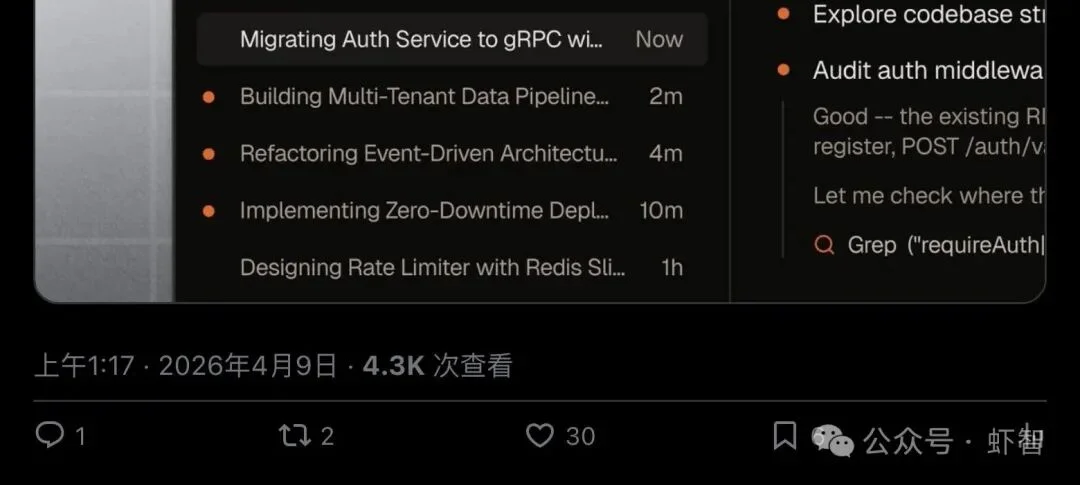
▲ Side-by-side active projects: gRPC migration, data pipeline, event-driven architecture, zero-downtime deployment, Redis rate limiting
“Start a Droid on a feature build, kick off another on a migration, and check in on either without losing your place.”
Giving Agents a Permanent Workspace: Droid Computers
Factory solves the “cold-start problem” with persistent Droid Computers — dedicated, stateful environments for each agent:
- Installed packages, cloned repos, configured credentials, and running services persist between sessions.
- No re-setup. No context loss. Just resume where you (or the Droid) left off.
“Your Droid doesn’t start from zero every morning. It picks up where it left off: installed packages, cloned repos, credentials, running services.”
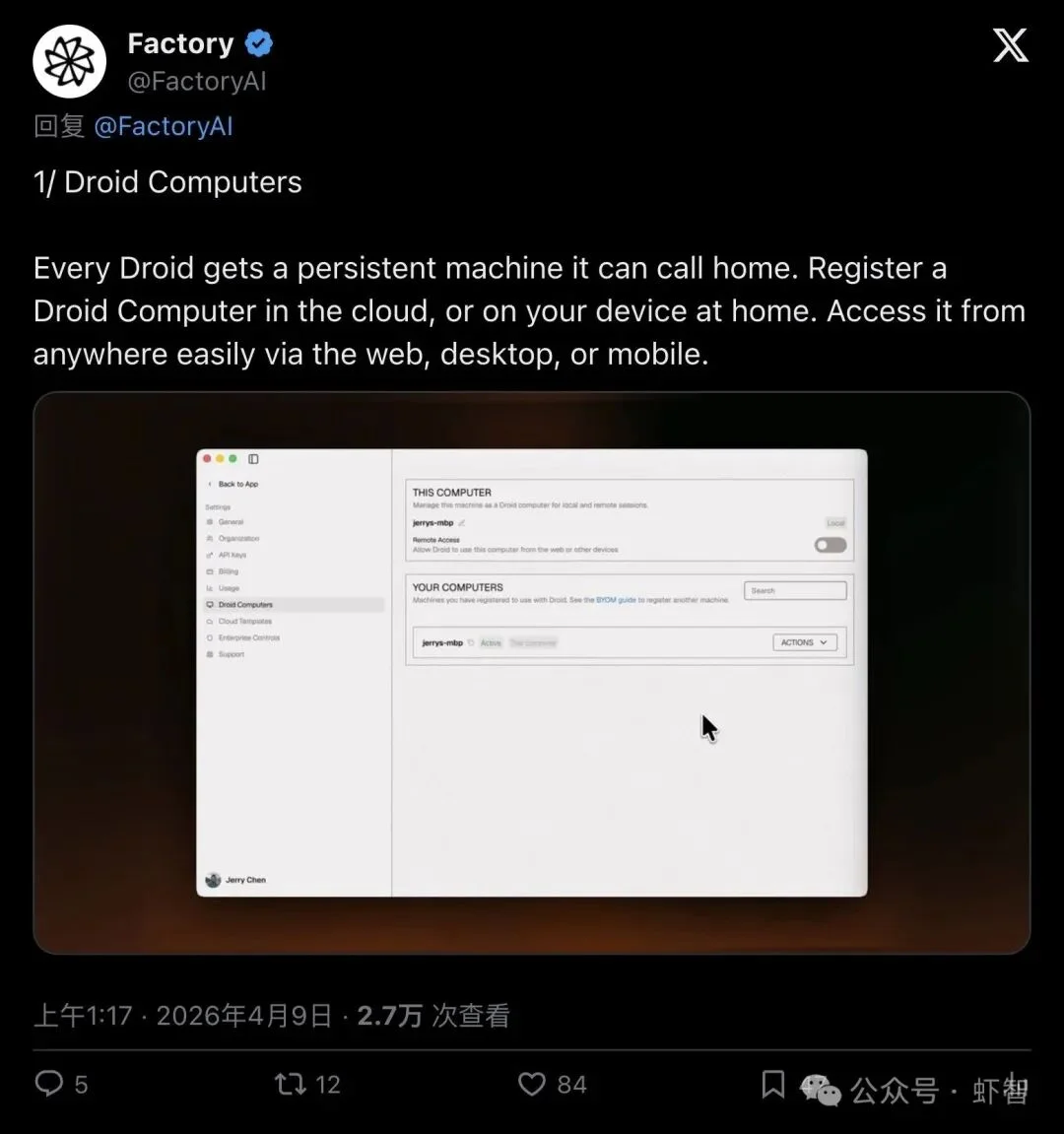
▲ Droid Computers dashboard: register cloud, local, or BYO machines
Three Deployment Tiers
| Tier | Description |
|---|---|
| Cloud Computers | Fully managed, snapshot-capable VMs with SSH access |
| BYO Machine | Register your workstation, server, or GPU node via droid computer register |
| Local Models + BYOK | Connect Ollama, vLLM, or any compatible endpoint — keep data air-gapped and compliant |
Factory confirms successful fully offline (air-gapped) deployments across major financial, healthcare, and government institutions.
Beyond Control: Visualization, Plugins & Mobile Sync
Factory packed additional production-grade features into this release:
🔹 Deep VS Code Integration
- Direct connection to local or remote VS Code Server
- Full file browsing, integrated terminal, editing, and extension execution — all bound to the Droid’s session
🔹 AI-Native Visualization
- Droids decide how to render results: flame graphs for performance regression, Mermaid diagrams for DB migrations, interactive dashboards, tables, charts — all generated inline in chat
▲ Dynamic visualization generated autonomously by the Droid
🔹 Extensible Plugin Ecosystem (MCP / Skills / Hooks / Plugins)
- Reusable Skills across CLI, IDE, and desktop interfaces
- Skills are version-controlled (
check into repo) and shared across teams — AI capabilities become collaborative, auditable, and maintainable like source code
🔹 Mobile Companion App
- Monitor Droid progress, review diffs, approve actions, and initiate new sessions — directly from iOS or Android
Performance Impact: Adoption Doubles, Sessions Surge 4.6×
Factory shared compelling early metrics:
“Enterprise teams adopt Droid 2x faster when both CLI and desktop are available. Users who work across both interfaces run 4.6x more sessions than CLI-only users. They’re not splitting time. They’re doing more total work.”
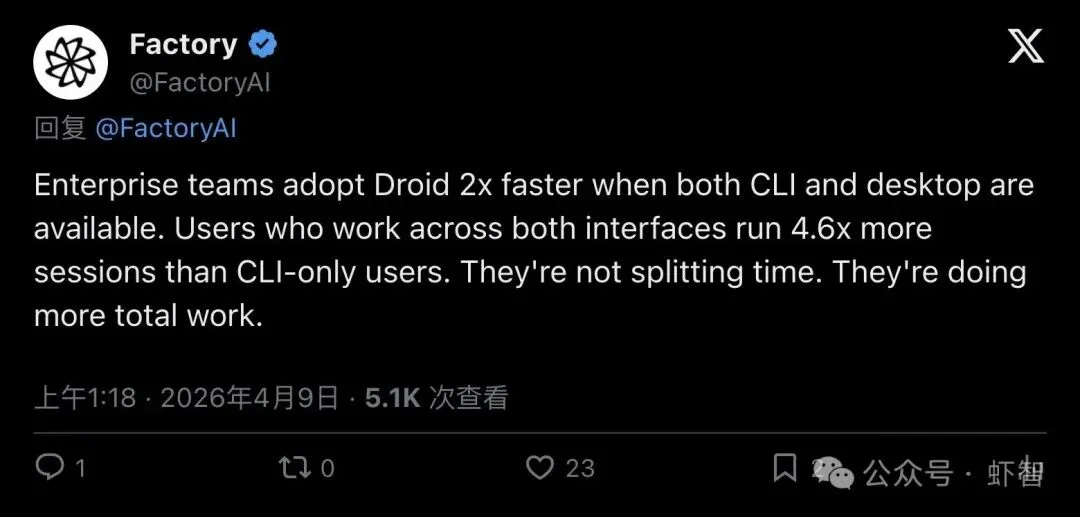
▲ Desktop availability doubles enterprise adoption speed; cross-interface users drive 4.6× more sessions
Crucially, this isn’t just about engineers — the desktop interface unlocks value for designers, PMs, data scientists, and customer-facing roles, transforming Factory’s value proposition from engineering efficiency to organizational leverage.
Security by Design: Local Execution, Approval Gates & Zero-Training Policy
Addressing critical trust concerns:
- ✅ Local execution: Shell commands and file edits happen locally; only minimal context/diffs sent to Factory cloud
- ✅ Granular approval system: Configurable three-tier permissions (
allow/ask/reject) for high-risk operations - ✅ End-to-end encryption: TLS 1.3 in transit, AES-256 + AWS KMS at rest
- ✅ No training on your code: Factory explicitly commits to never using customer code for model training
▲ Factory’s security model: local-first, approval-gated, encrypted, and non-training
Desktop inherits the same proven security architecture as Factory’s CLI and IDE extensions — with seamless session and skill migration.
Industry Validation: Why Desktop-Native Is the Right Call
Developer @automate_archit (production agent infrastructure expert) affirmed the architectural choice:
“Native desktop interfaces for agents is the right call. Browser-based agent UIs add 200–400ms of latency per interaction that compounds fast when you’re running multi-step workflows. The teams I work with running production agents care about two things: speed and reliability. Desktop-native solves one of those instantly.”
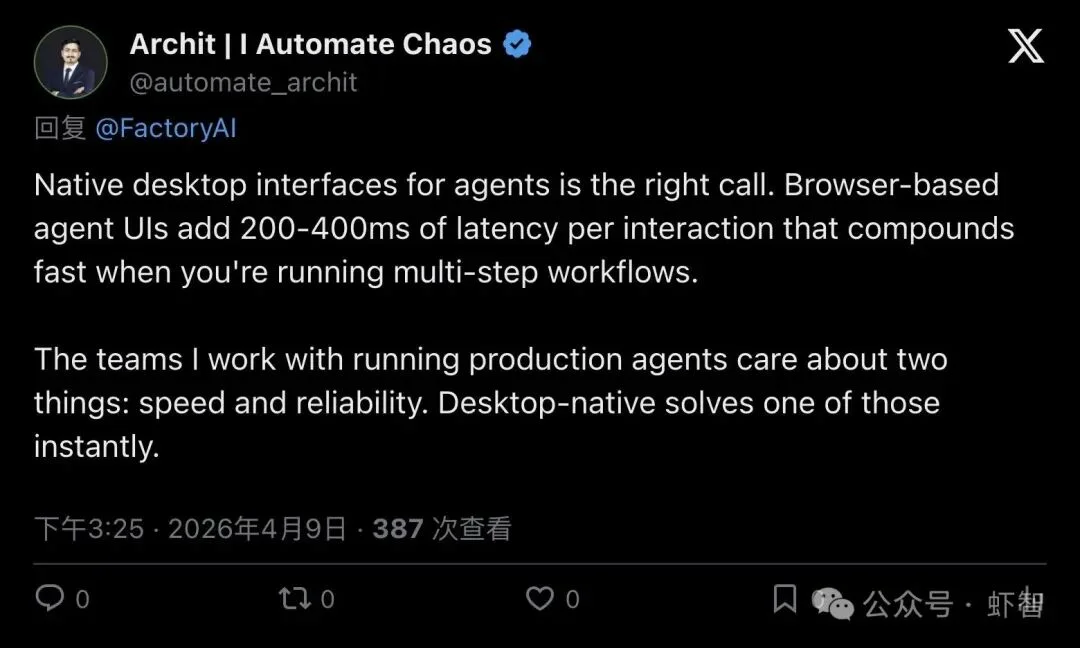
▲ Browser UI adds 200–400ms latency per interaction — desktop eliminates it
The New Battleground: Defining the AI Colleague’s Workstation
Factory’s release signals a strategic pivot — the frontier has shifted from chat windows to full desktop workspaces.
While competitors optimize within IDEs (e.g., Cursor, Windsurf), Factory operates at the OS level: agents control VS Code and browsers and Excel and terminals and any running application.
More importantly, these agents now possess:
– 🖥️ Persistent, configurable machines
– 🧩 Team-shared, versioned skills
– 🔄 Cross-device synchronized state
They’re evolving into true digital colleagues — with dedicated workstations, toolchains, and memory.
✅ Available today for macOS and Windows — free for all Factory plan subscribers.
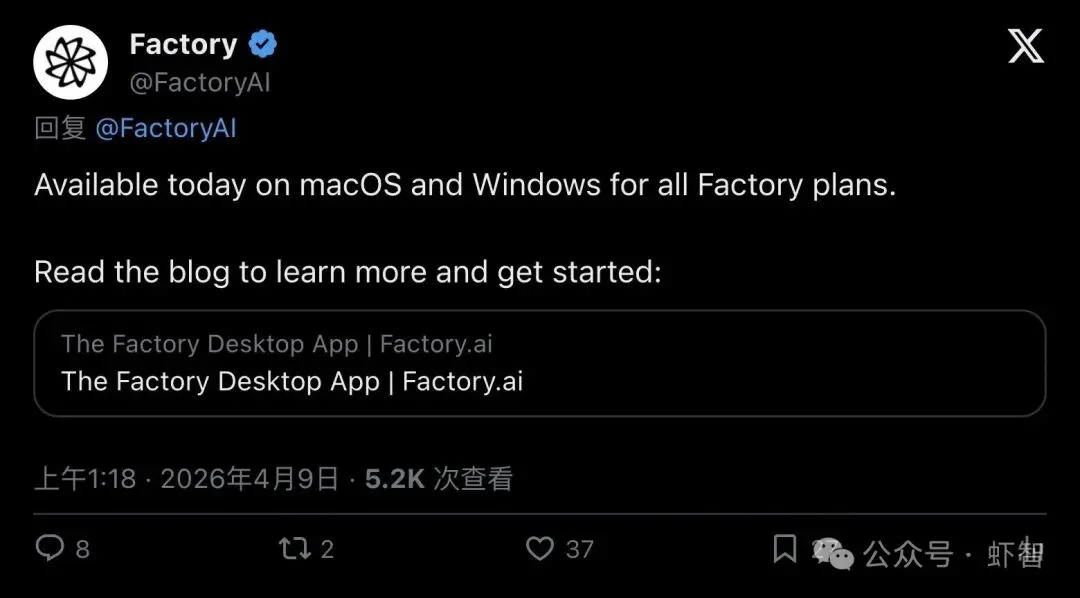
▲ Download now: macOS & Windows supported across all Factory plans
The era of AI agents working beside you — not just for you — is no longer a demo. It’s shipping.
Source: Originally published by WeChat account “Xia Zhi”.