CapCut Hub Breaks Down AI Video Generation and Editing Walls
Have you ever faced this friction while creating AI videos? You generate footage, then manually download, export, and import assets into a separate editing tool for post-processing — a fragmented, time-consuming workflow.
That’s over.
Just now, CapCut seamlessly integrated AI video generation with professional multi-track editing — collapsing the long-standing barrier between creation and refinement.
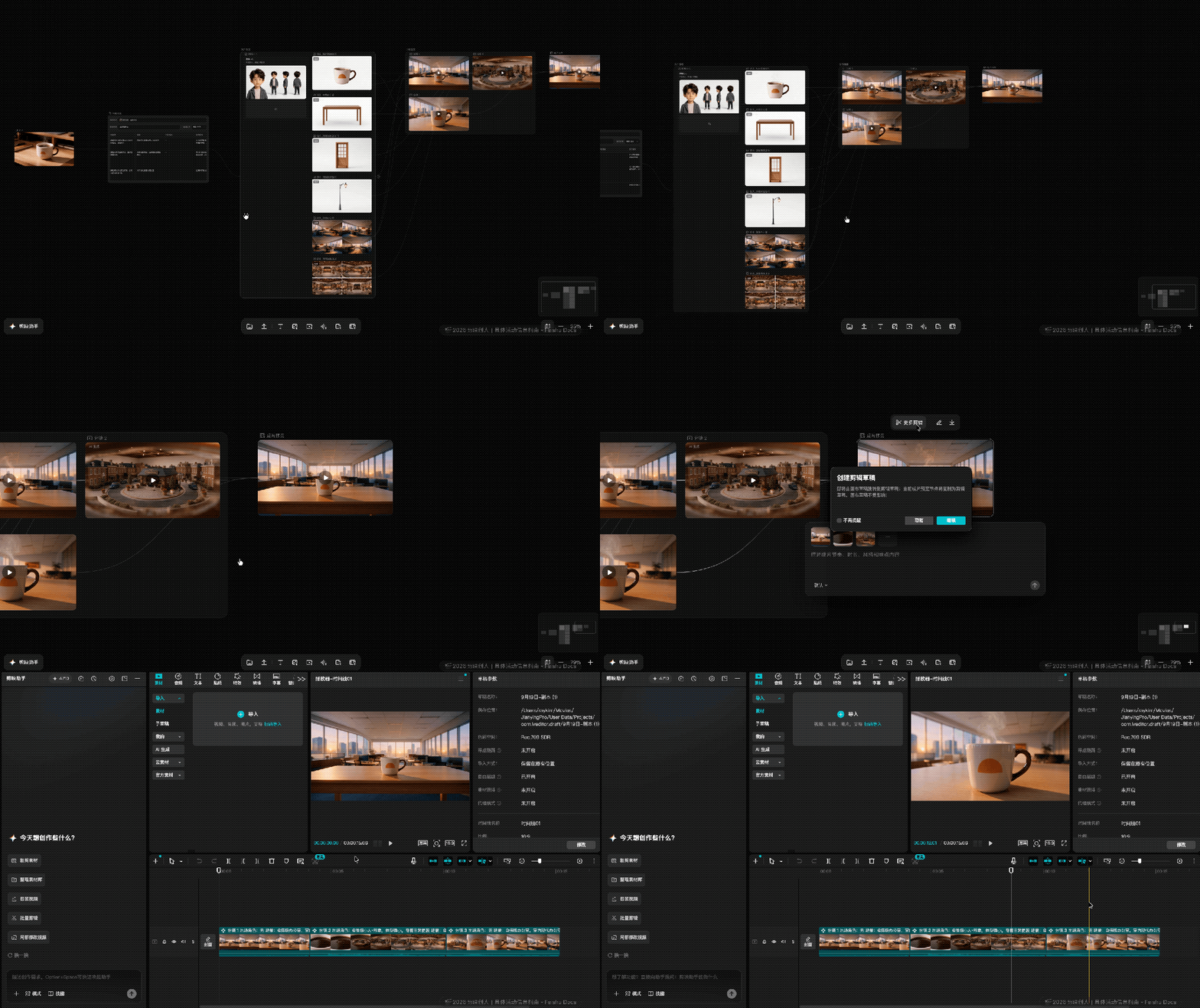
With one click inside CapCut’s infinite canvas, users now jump directly into the full-featured timeline editor — no export, no reimport, no context switch.
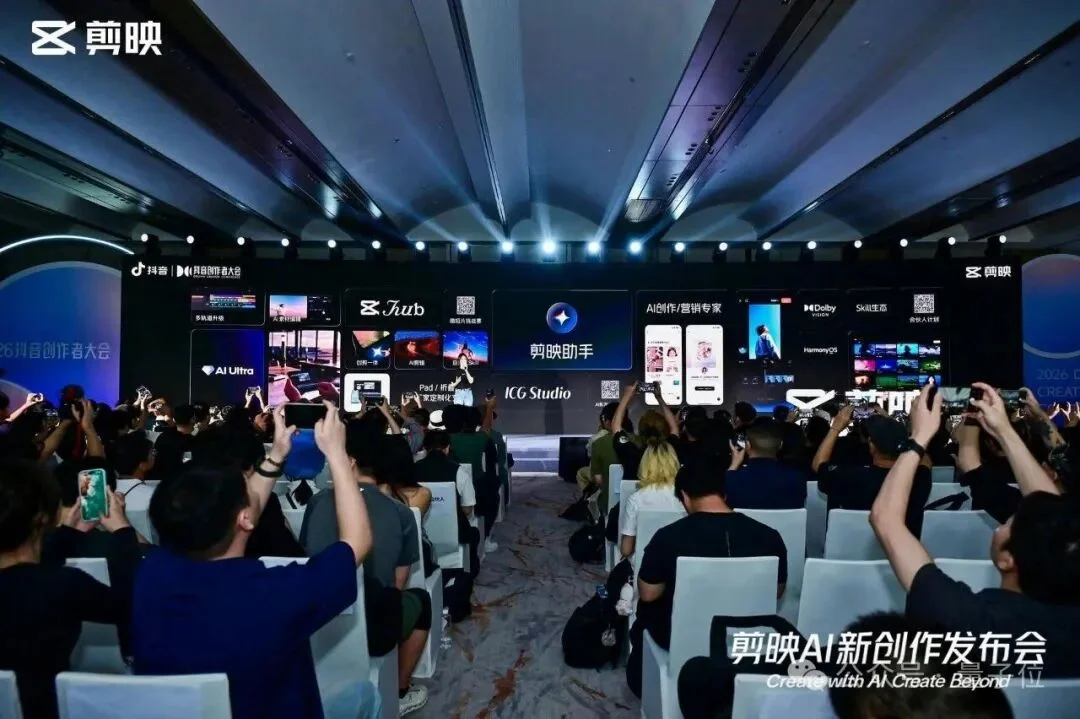
This breakthrough is powered by CapCut Hub, unveiled at the recent TikTok Creator Conference.
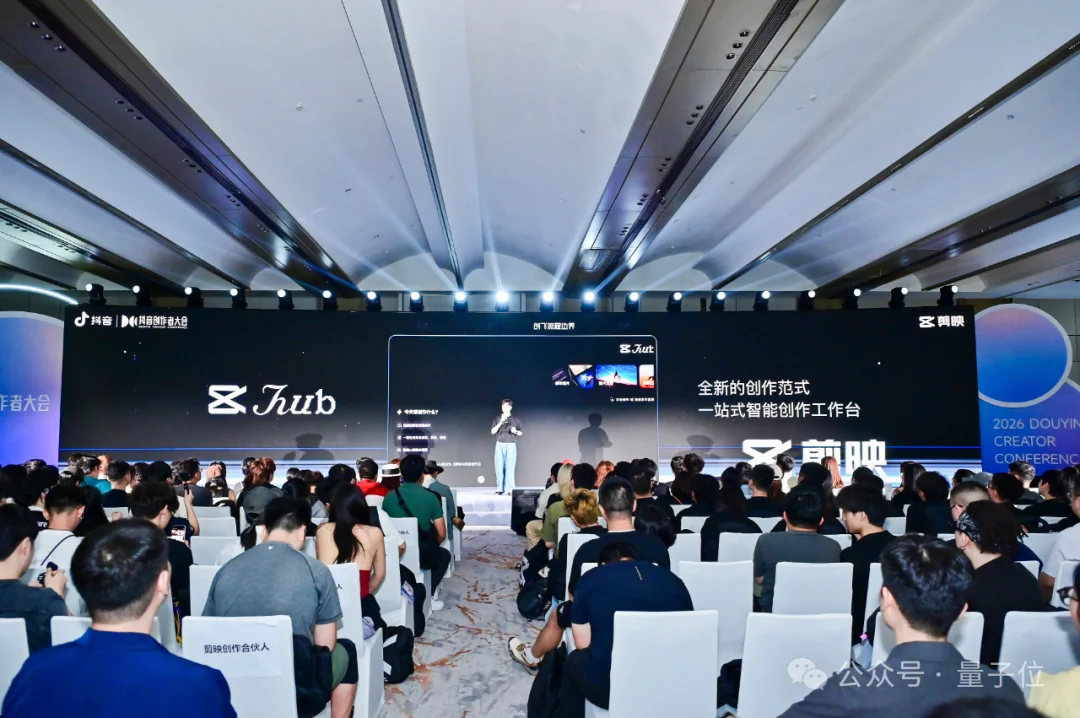
Unified Creation Ecosystem: PC & Mobile
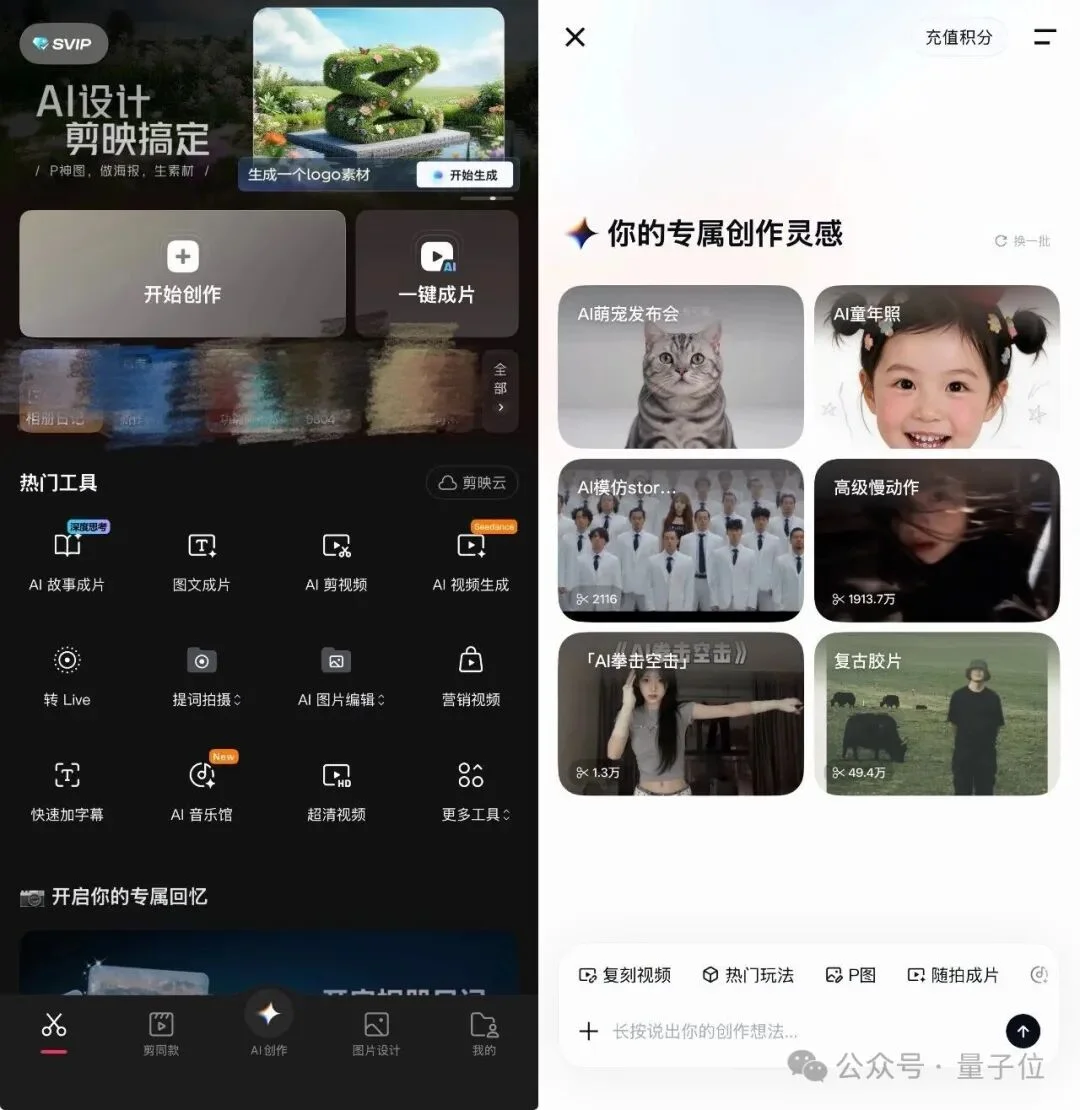
CapCut’s new architecture spans two optimized experiences:
✅ PC Edition: Professional End-to-End Workflow
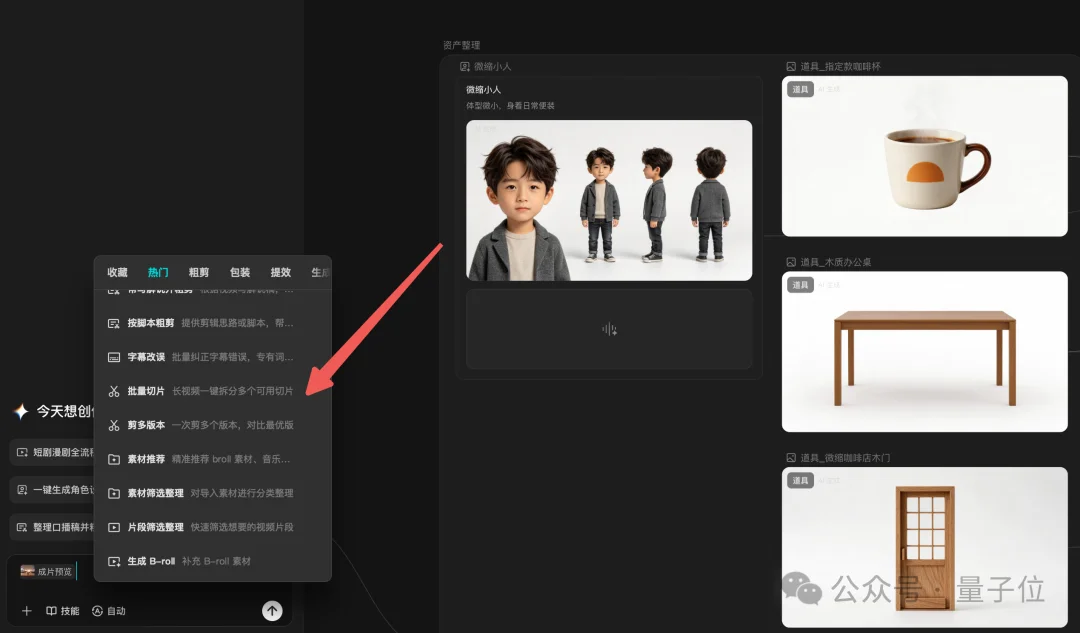
- CapCut Hub: Centralized hub for planning, scriptwriting, scene breakdown, and AI asset generation (e.g., characters, props, environments) — all in one canvas.
- CapCut Assistant Agent: Context-aware AI assistant embedded in the timeline, supporting text-based commands for editing, narration, subtitles, and batch processing.
- AI Post-Editing Suite: Includes AI Smart Extend, Local Editing, AI Upscaling, Frame Interpolation, Color Grading, Audio Separation, and AI Erasure — essentially an AI-powered video Photoshop.
- Plugin & Skill Ecosystem: Launching with 20+ official Skills; open to third-party integrations.
📱 Mobile Edition: Effortless On-the-Go Creation
- Snap-to-Edit: Upload raw photos or clips → describe intent (e.g., “Create a 15-second 9:16 Vlog titled ‘Give Yourself 20 Minutes After Work’”) → auto-generate polished vertical video.
- Voice-First Editing: Activate CapCut Assistant via voice or text to edit, cut, add captions, or adjust pacing — no menu hunting.
- Marketing Expert Mode: Feed product images + simple prompts (e.g., “Generate marketing content for this down jacket”) → get ready-to-post ad variants.
Real-World Demo: From Prompt to Final Cut
-
Asset Generation: Used Seedream 5.0 Pro to generate a photorealistic ceramic coffee cup on a warm wooden desk.

-
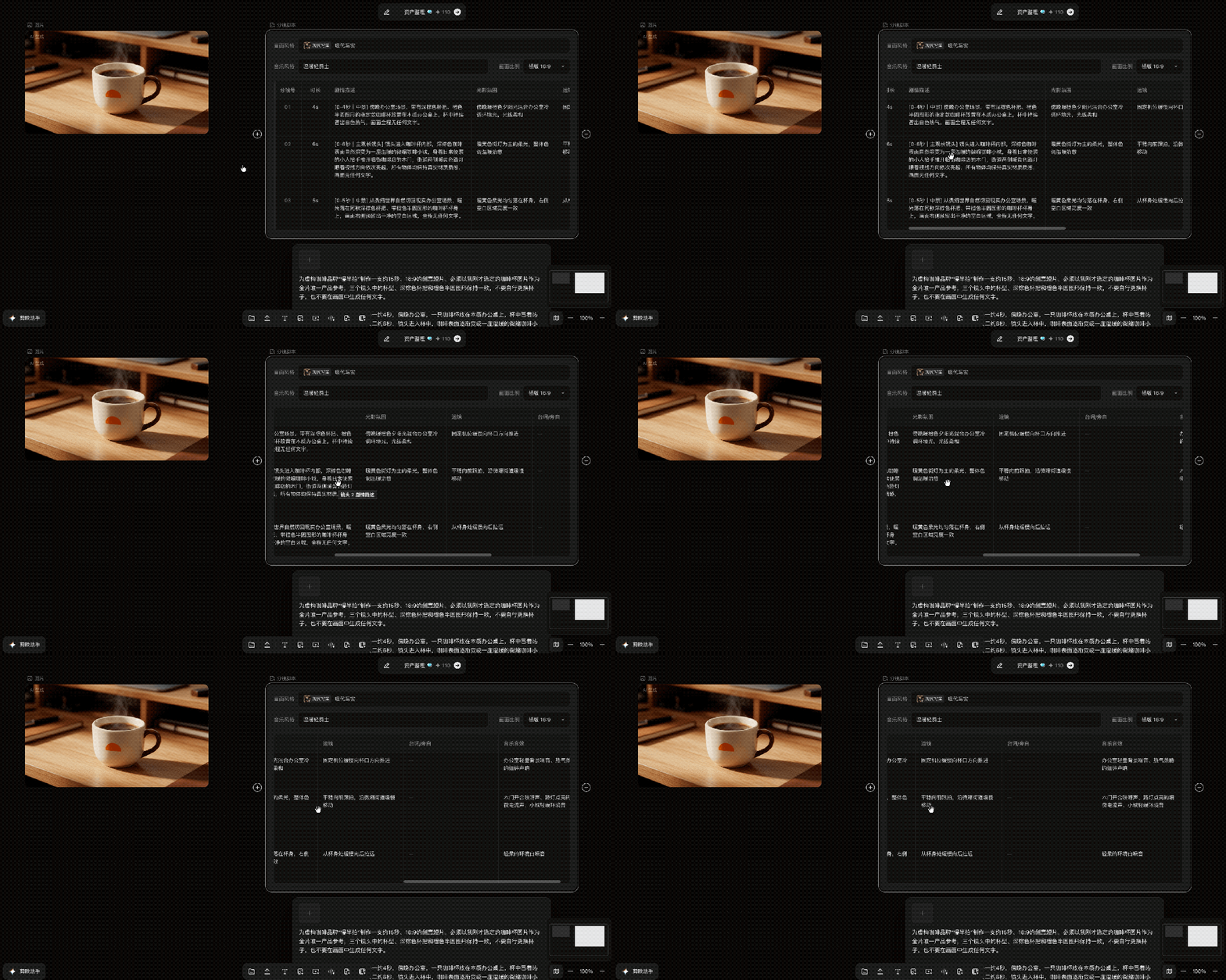
Script & Scene Planning: Entered narrative direction into Storyboard Script module → AI generated a professional 3-scene ad outline.
-
Asset Linking & Expansion: Connected the cup image to the script → triggered Asset Management → auto-generated matching backgrounds, lighting setups, and motion references.

-
Video Generation: Clicked Generate Scene Prompts → got tailored prompts + reference frames for each shot → selected Seedance 2.5 → generated three clips → previewed final stitched sequence.
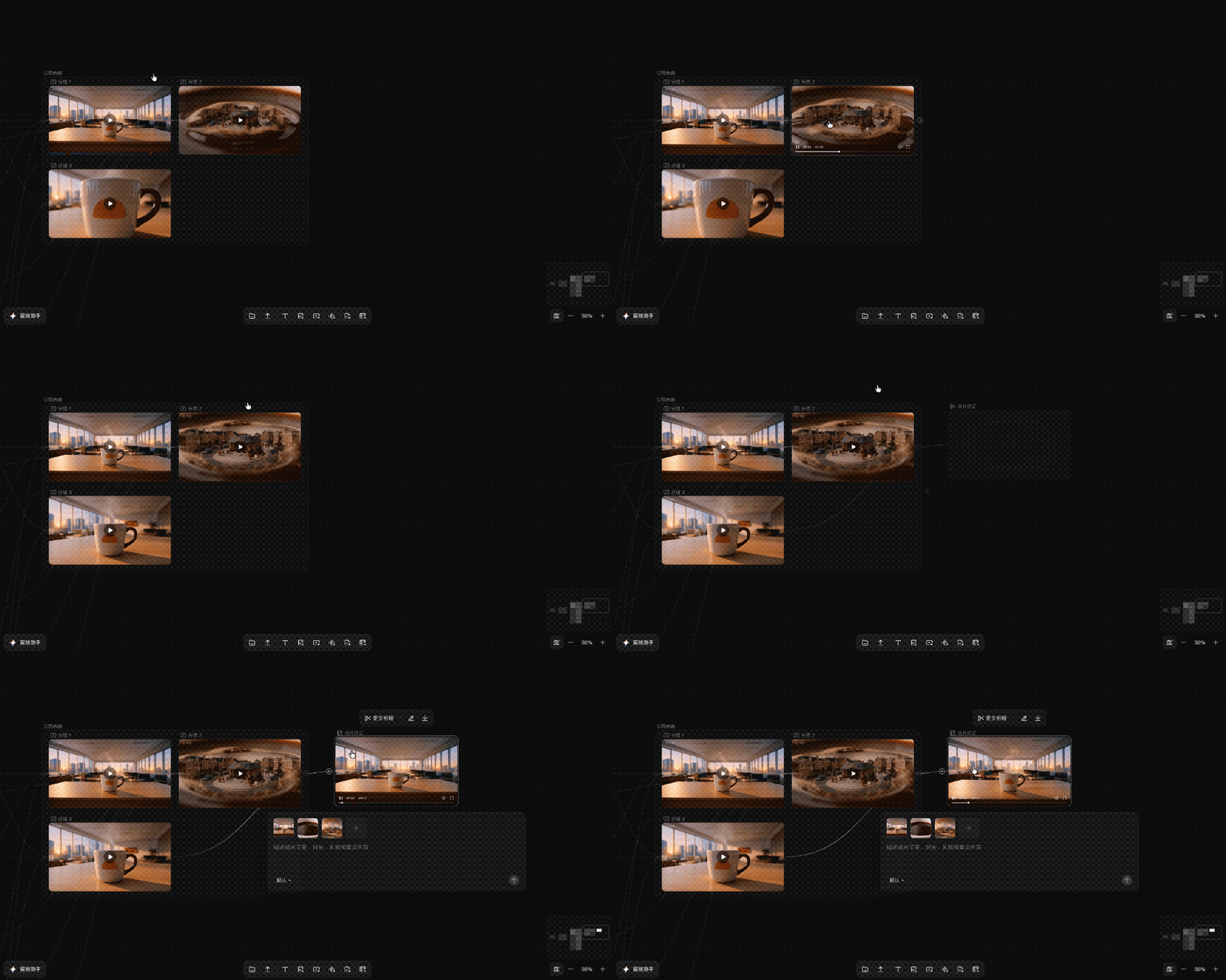
-
Seamless Edit Handoff: Clicked More Editing → instantly entered CapCut’s multi-track timeline with all clips pre-loaded.
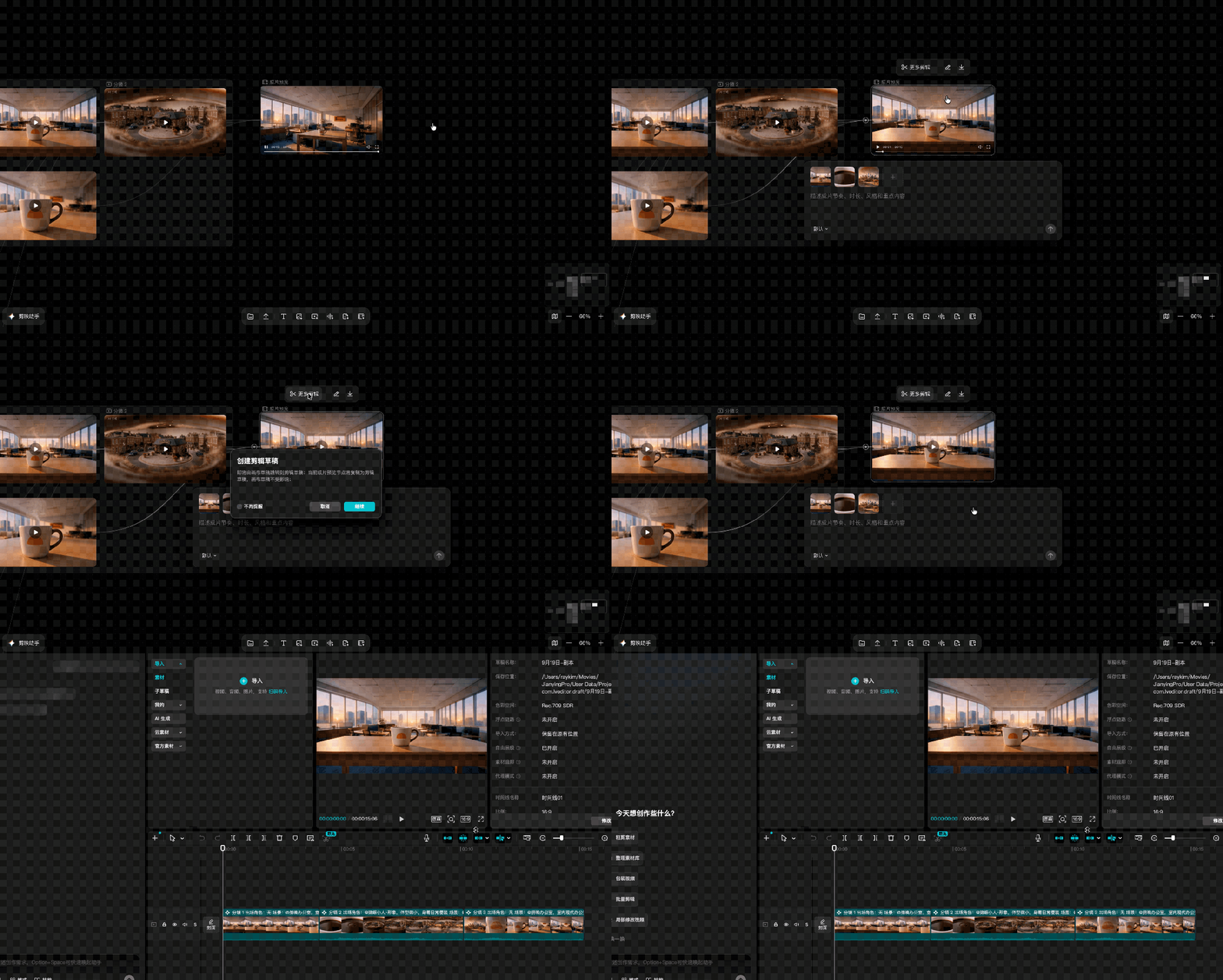
-
AI-Powered Refinement:
- Smart Extend: Drag timeline end → extend clip naturally.
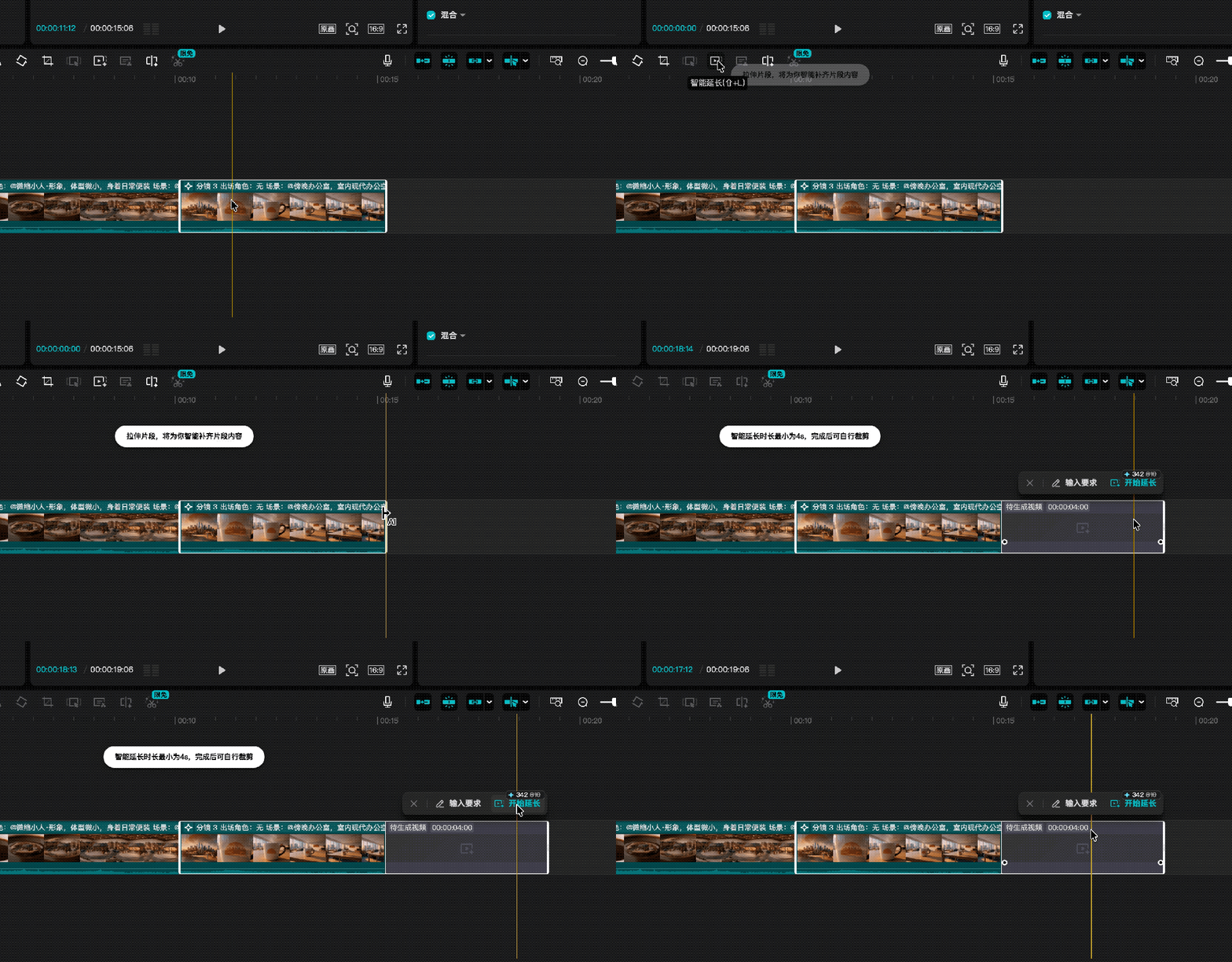
- Local Editing: Select any clip → type “Make the cup black” → instant object-level recolor.
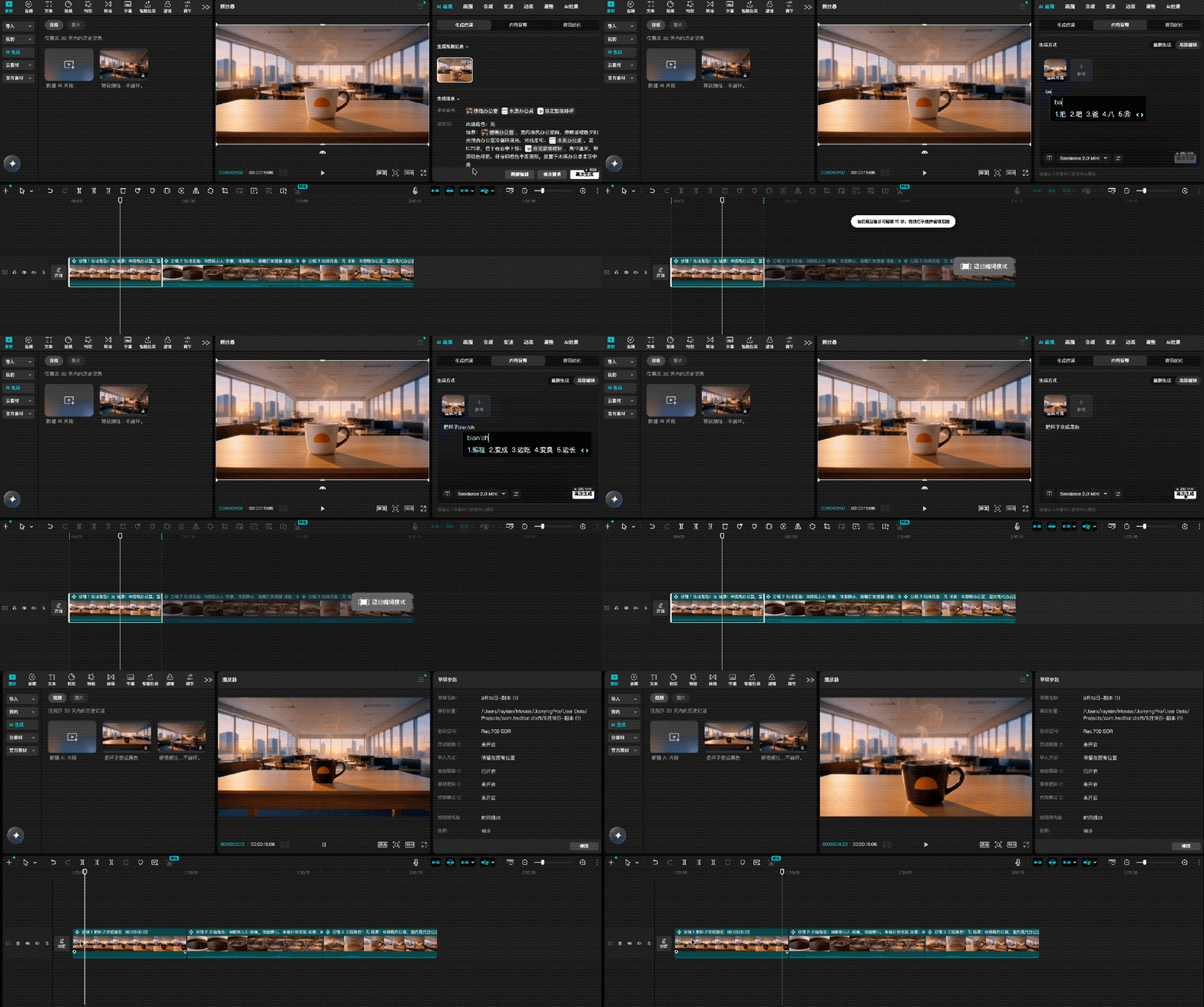
- AI Assistant Commands: Use text prompts like “Add upbeat background music”, “Fix subtitle timing”, or “Export as 4K HDR”.
Beyond Convenience: A New Creative Paradigm
CapCut isn’t just adding AI features — it’s unifying fragmented stages of video production into a single, intelligent workspace:
- For beginners: AI scaffolds the first draft → reduces blank-canvas anxiety.
- For pros: Automates repetitive tasks (resizing, captioning, format conversion) → frees focus for storytelling, rhythm, and aesthetics.
- Cross-platform sync: Assets from ByteDance’s JiMeng (Dreamina) and XiaoYunQue flow directly into CapCut when logged in with the same account.
“The real cost of video creation isn’t in big steps — it’s in constant app switching, repeated manual operations, and lost context. CapCut Hub absorbs that friction, so creators spend less time managing tools… and more time expressing ideas.”
— Adapted from QuantumBit, by Jin Lei